

Billing and mileage on an appointment
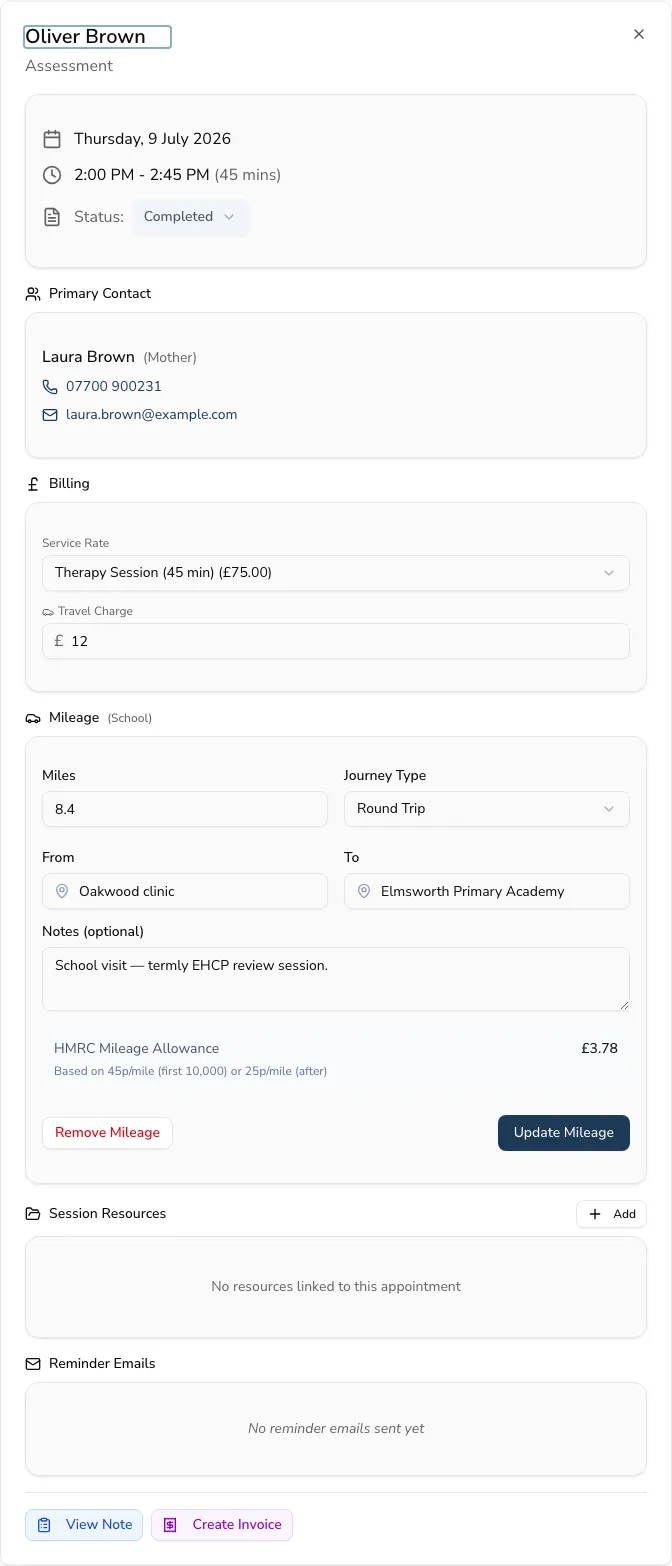
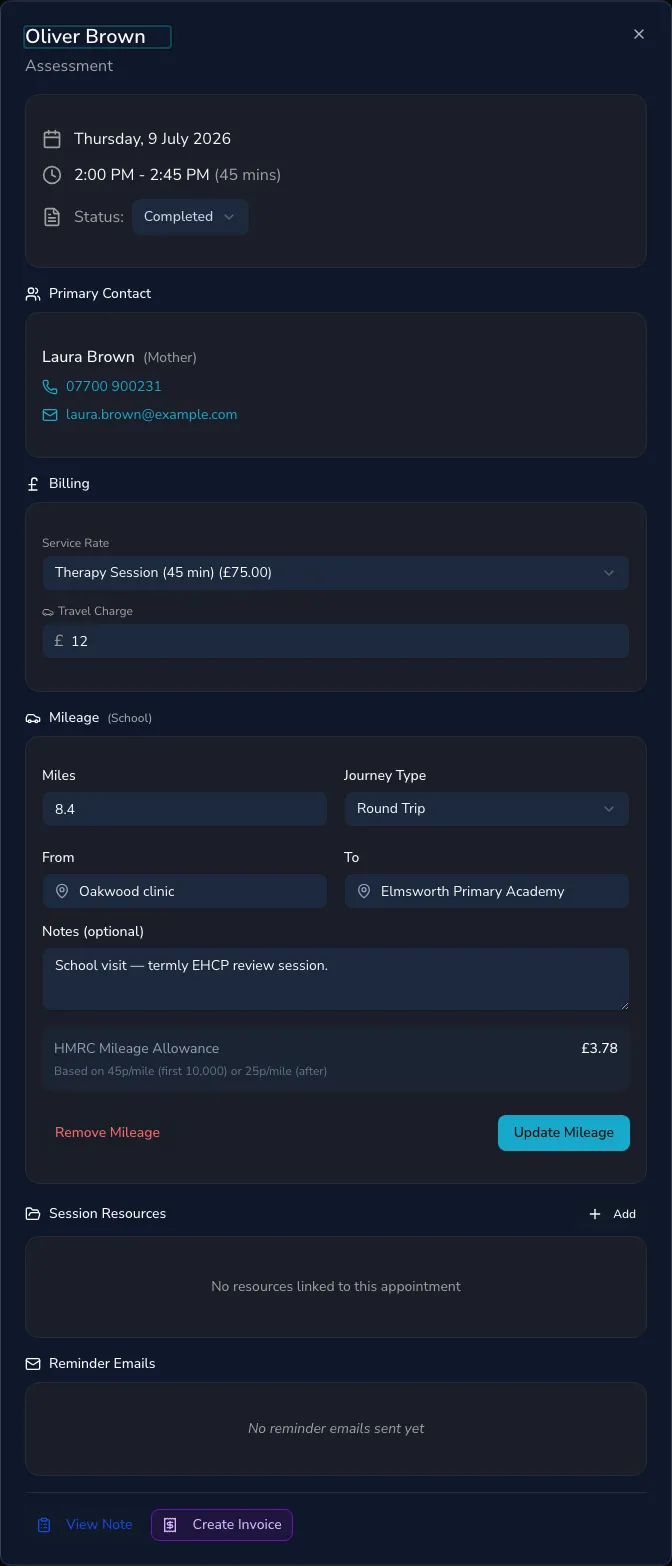
Every appointment carries its own billing and mileage — a service rate, a travel charge and the miles for home and school visits — so you can raise an invoice from a completed session without re-entering anything.
Billing an appointment
Section titled “Billing an appointment”On an appointment you can set a service rate and a travel charge. Once it’s completed and unbilled, you can create an invoice straight from it — the session and travel come through as invoice lines. The appointment then shows Billed on invoice # so you can see at a glance what’s been charged.
Recording mileage
Section titled “Recording mileage”For home, school and other off-site visits, record the mileage on the appointment: the miles travelled, the journey type, and the from/to locations. A client can have mileage defaults on their record so common journeys are pre-filled.
Recorded mileage feeds your mileage report, which totals your miles against HMRC rates for expenses and tax — see the report under Reports → Mileage.