

Audit logs
If a client, an auditor, or the ICO ever asks who accessed a piece of personal data and why, your audit log has the answer already recorded — you don’t need to reconstruct it after the fact.
Reading an entry
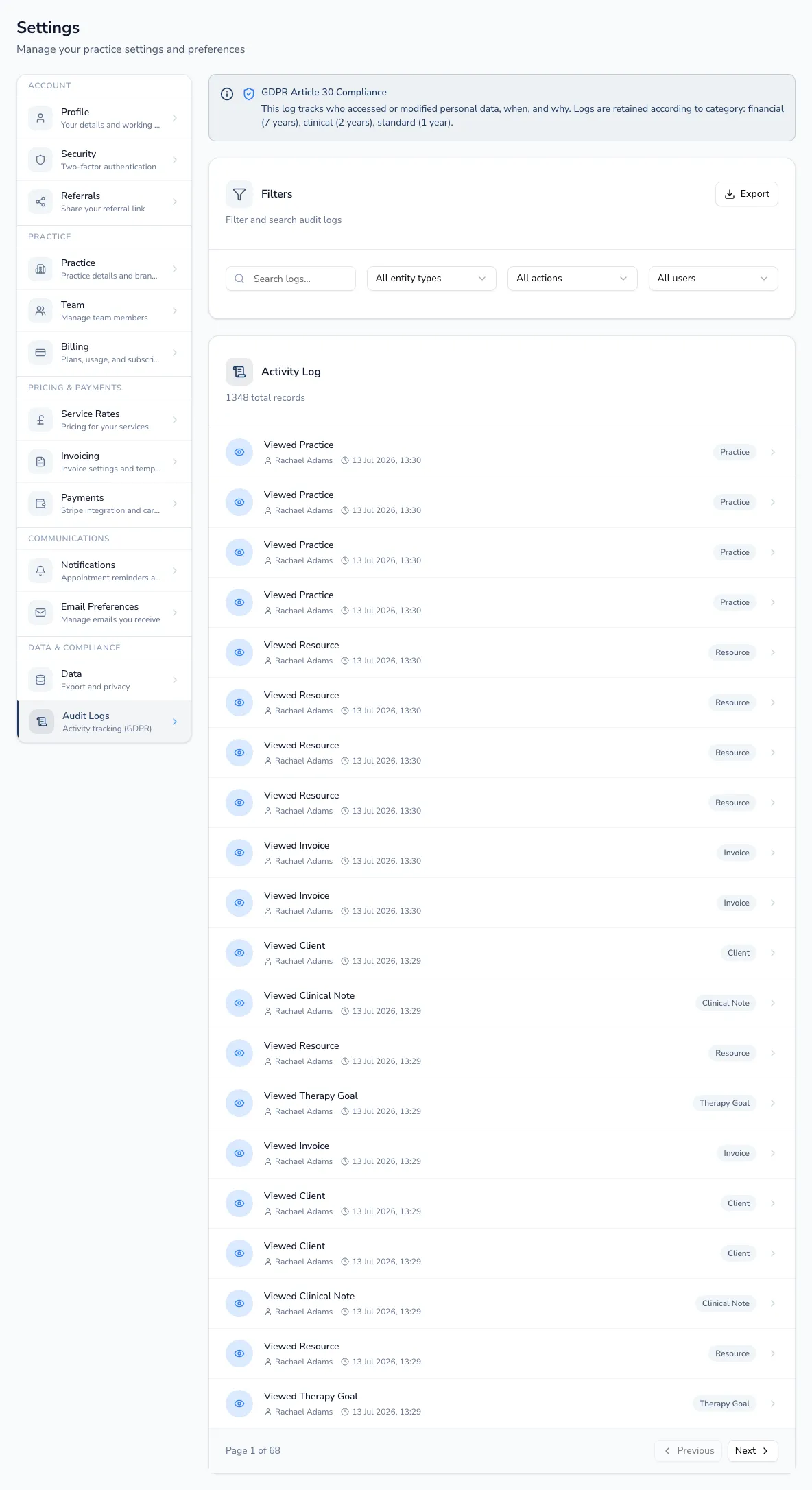
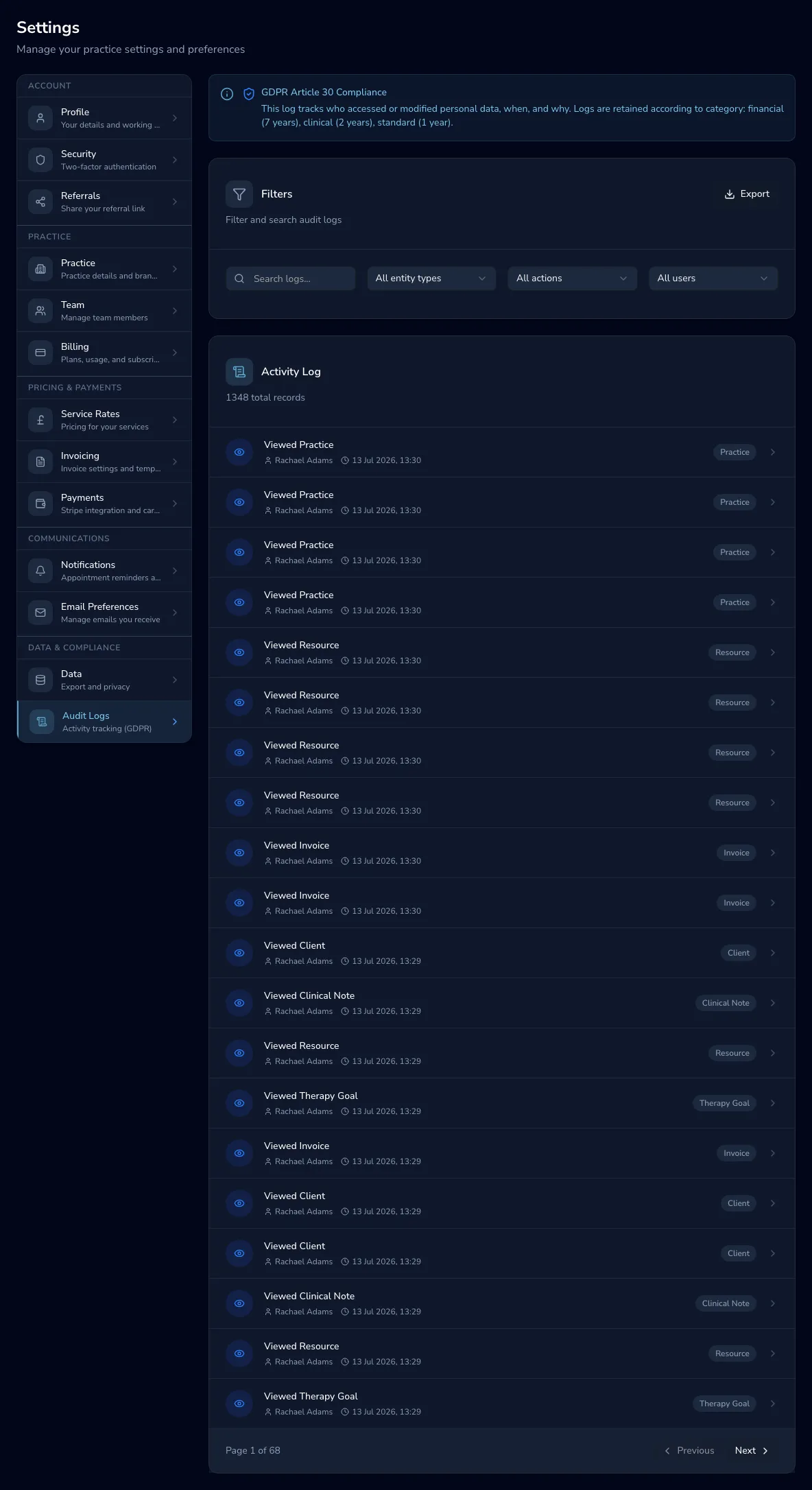
Section titled “Reading an entry”Each row shows the actor (who), the action (viewed, created, edited, deleted, signed, exported…), the entity affected, and when it happened. Open any entry for its full detail: the legal basis recorded for that access, and its retention category — standard records are kept for a year, clinical records for two years, and financial records for seven, after which they age out automatically.
Finding what you need
Section titled “Finding what you need”Filter by entity type, action or the team member responsible, or search freely across entries. Choose Export to download the entries matching your entity/action/actor filters as a compliance record — useful for an audit, or to answer a data subject access request.
Audit logs are only visible to practice owners and administrators — everyone else on the team is doing the day-to-day work the log is recording, not reviewing it.