

Connecting Stripe for card payments
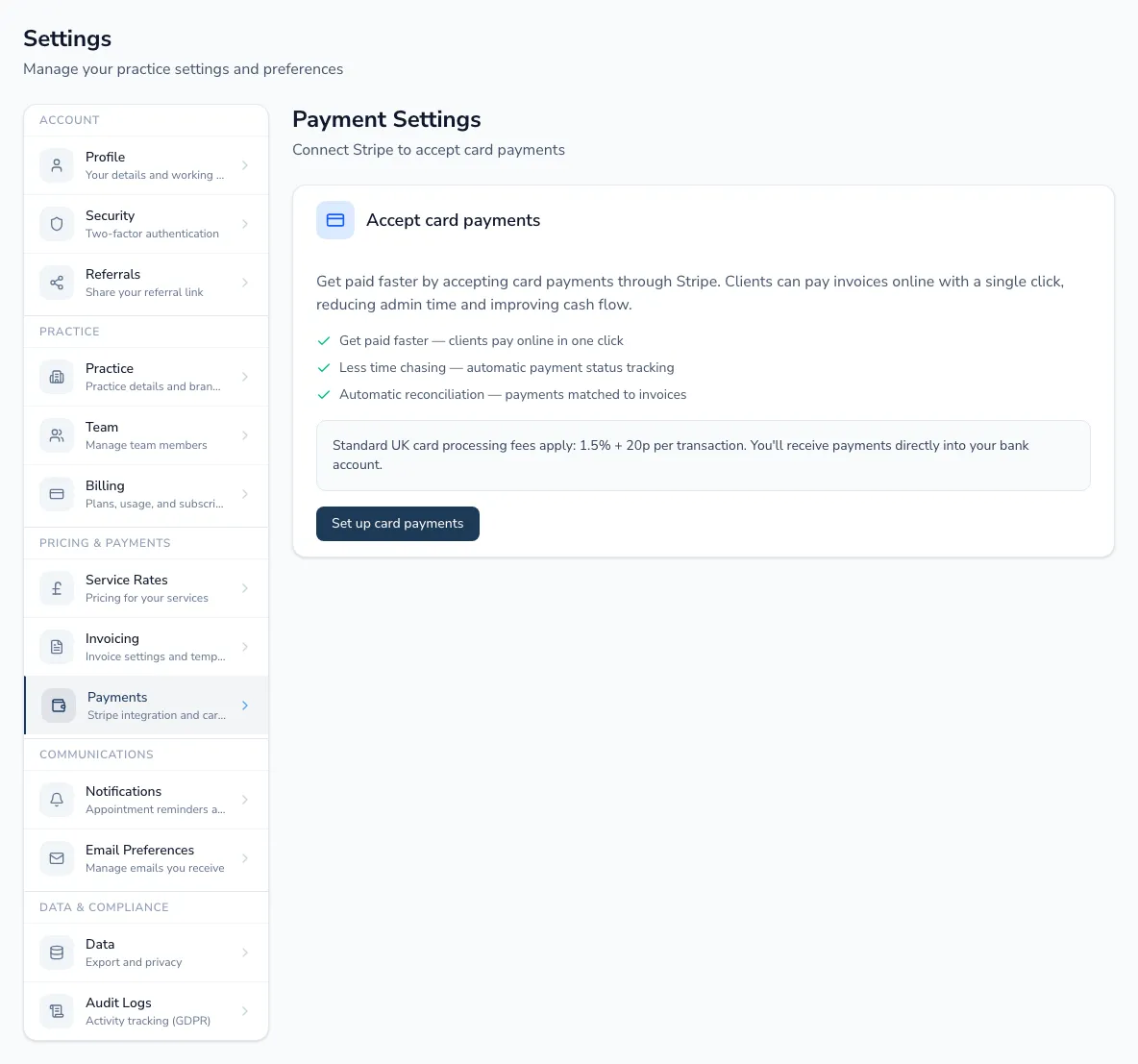
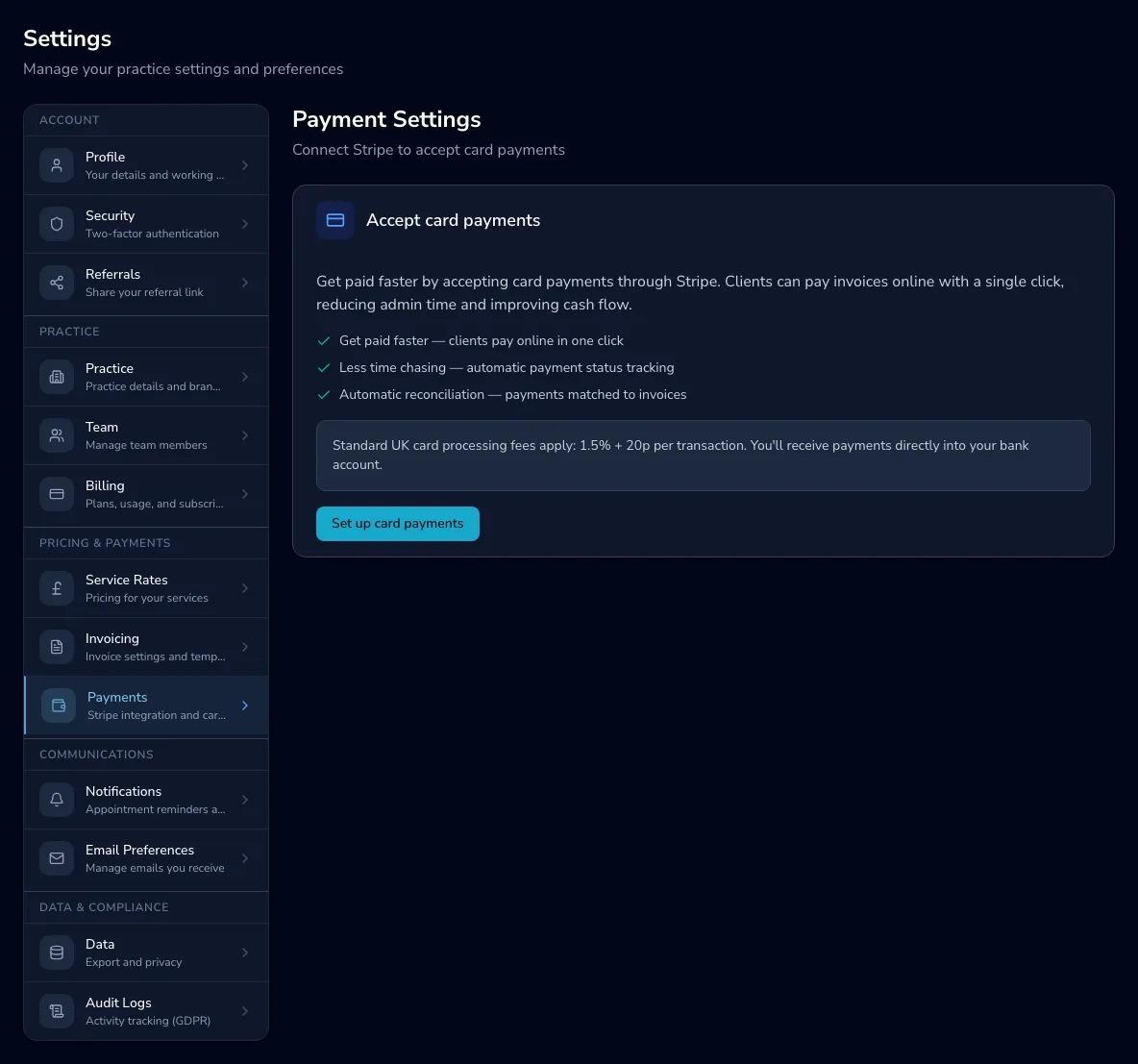
To add card payment links to your invoices, connect a Stripe account in Settings → Payments. Payments go directly to your bank; Practicos never holds your money.
Setting up
Section titled “Setting up”-
Choose Set up card payments. Practicos creates a Stripe account and opens Stripe’s onboarding.
-
Complete Stripe’s identity and bank verification. Stripe needs both charges and payouts enabled before you can take payments.
-
Once verified, your account shows as connected, with charges and payouts enabled and the connected date.
If onboarding is part-finished or Stripe needs more information, the page shows what’s outstanding and links you back to Stripe to resolve it.
Card payments carry a Stripe processing fee (UK: 1.5% + 20p per transaction). A fee breakdown shows what you’ll receive net for each service rate.
Managing or disconnecting
Section titled “Managing or disconnecting”From the connected view you can open your Stripe dashboard or disconnect. Disconnecting keeps your existing payment records but stops new card payments and payment links.