

Creating your account
Creating your Practicos account takes a couple of minutes, needs no card details, and starts your free 14-day trial straight away — the first step before you set up your practice.
Signing up
Section titled “Signing up”-
Go to the Practicos homepage and choose Start your free trial.
-
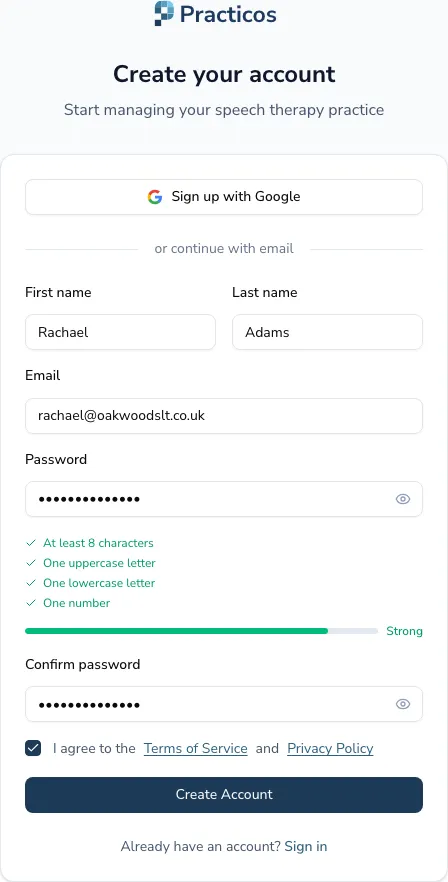
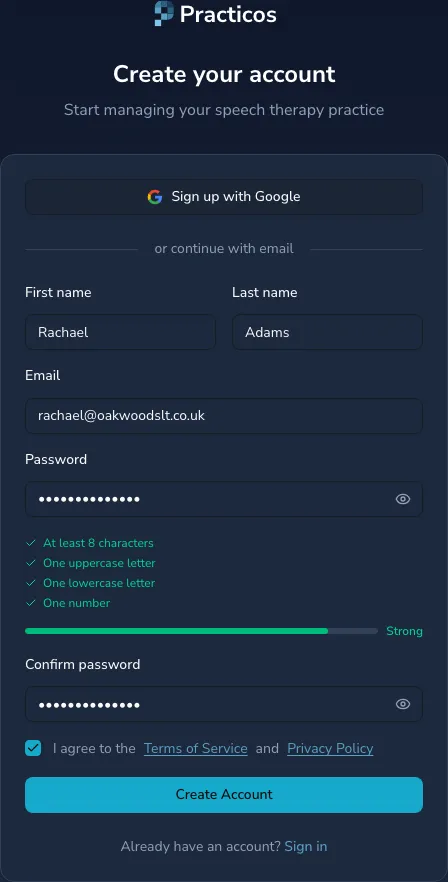
Enter your first and last name, your email address, and a password. The password requirements — at least eight characters, with an uppercase letter, a lowercase letter and a number — are shown as you type and tick off once each is met, so there’s no guessing.
-
Choose Create account.
Confirming your email
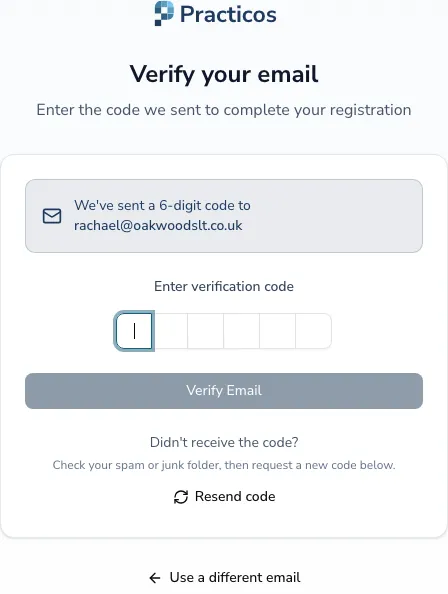
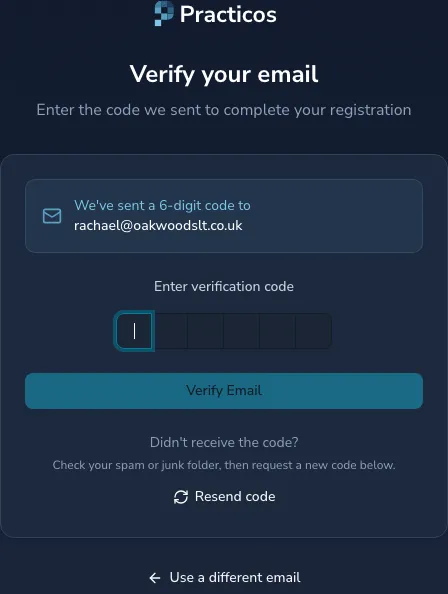
Section titled “Confirming your email”To keep your account secure, Practicos sends a short verification code to the email address you signed up with.
-
Open the email from Practicos and note the code.
-
Enter it on the verification screen and choose Verify.
What happens next
Section titled “What happens next”Once your email is confirmed, you’re taken straight into the short setup wizard that gets your practice ready — see Setting up your practice.
Your free 14-day trial starts the moment you sign up:
- No card required. You won’t be asked for payment to start, and nothing is charged automatically when the trial ends.
- Full access. You can use everything Practicos offers during the trial, so you can decide whether it fits your practice.
- Choose a plan when you’re ready. When you’d like to continue beyond the trial, you pick a plan in Settings → Billing — see Your Practicos subscription.