

Emails from Practicos
You don’t have to accept every email that comes with a Practicos account — your email preferences let you decide what lands in your inbox from us, separately from anything your clients receive.
What you can turn off
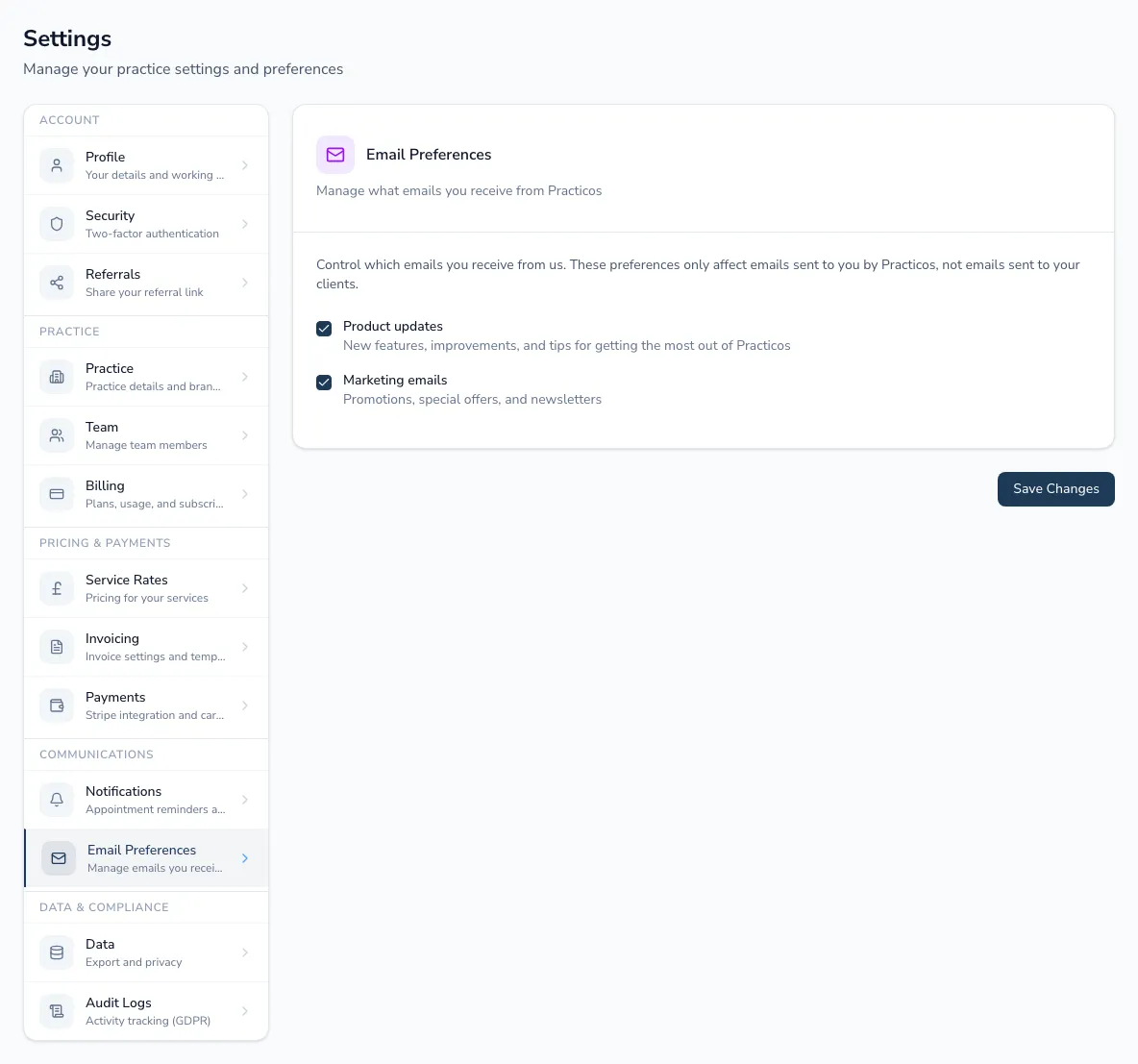
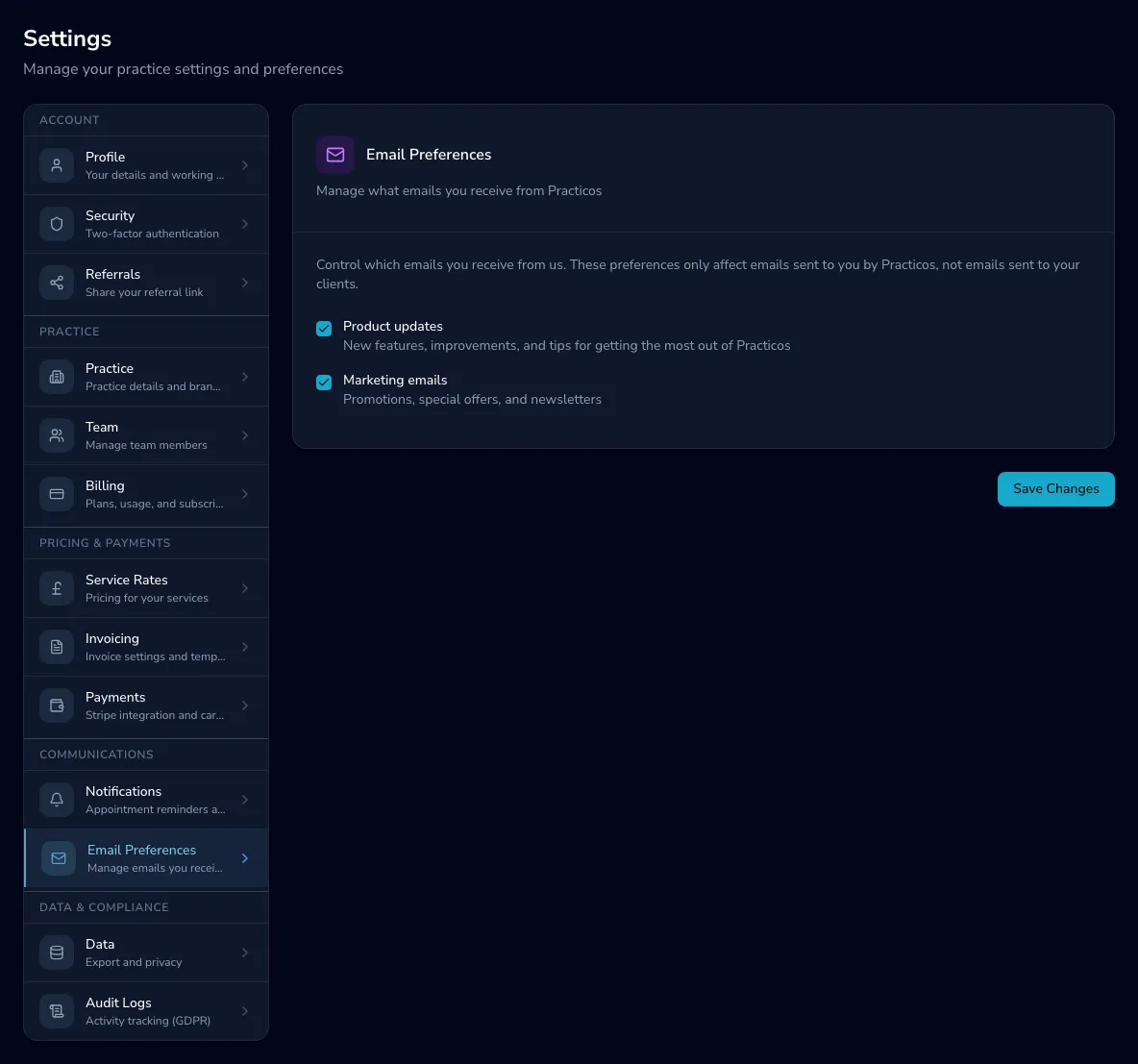
Section titled “What you can turn off”Two checkboxes, each independent:
- Product updates — new features, improvements and tips for getting more out of Practicos.
- Marketing emails — promotions, special offers and newsletters.
Untick either (or both) and choose Save Changes. If you navigate away with unsaved changes, Practicos warns you before they’re lost.