

Your dashboard
The dashboard is your practice home screen — a quick read on where things stand, with shortcuts into the day’s work.
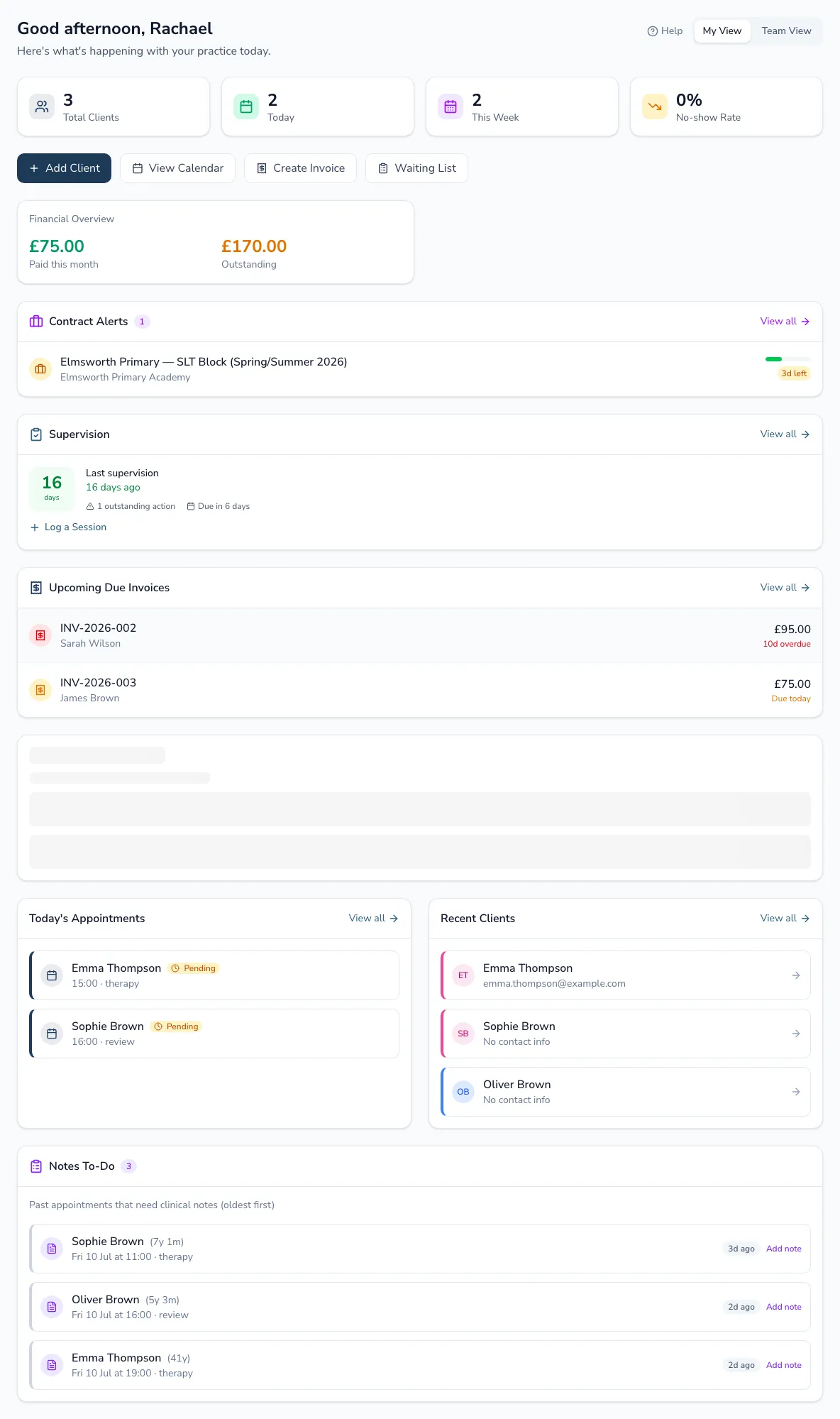
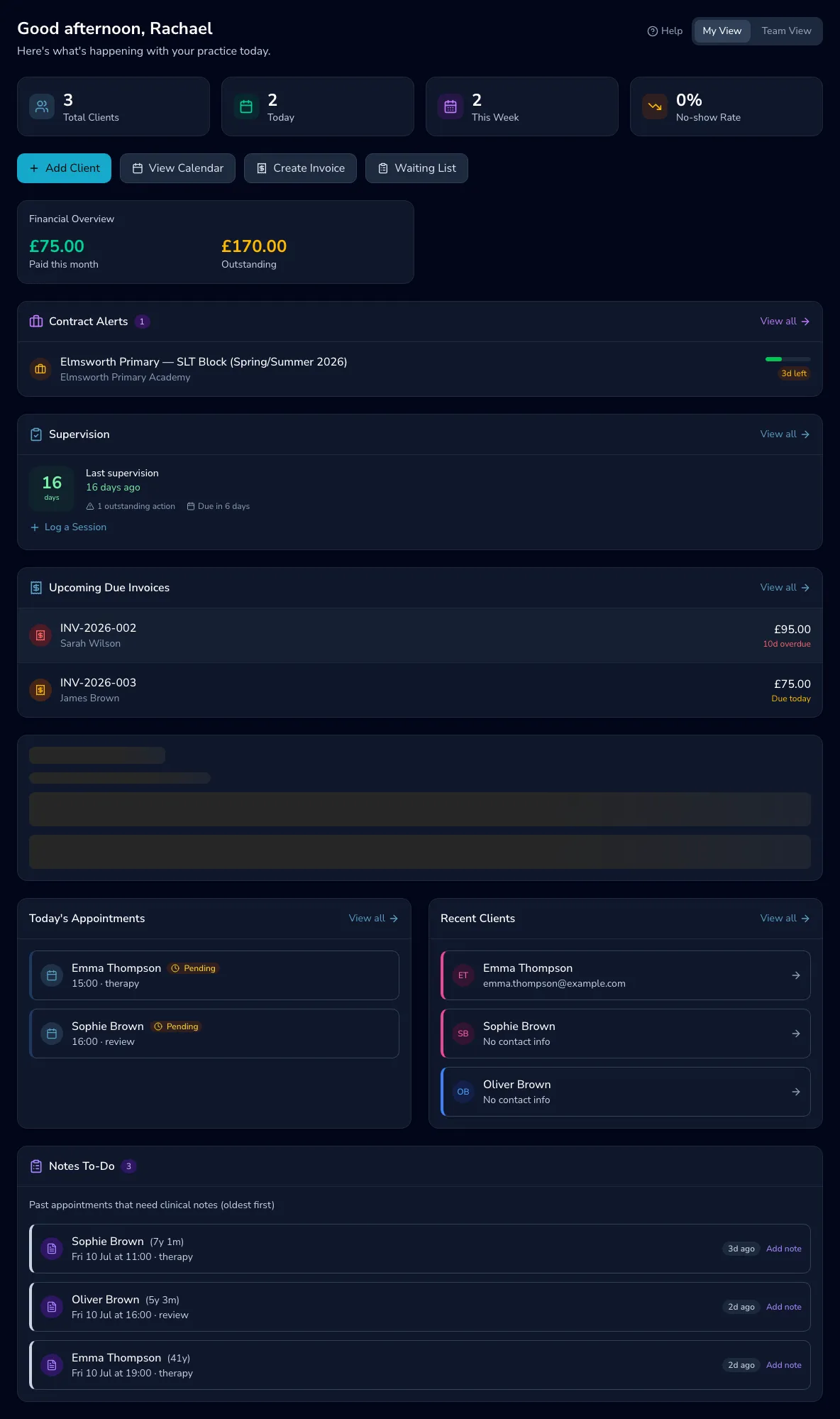
Stats and quick actions
Section titled “Stats and quick actions”At the top you’ll find headline stats — total clients, today’s appointments, this week, and your no-show rate — alongside quick actions to add a client, view the calendar, create an invoice, or open the waiting list.
Alerts worth acting on
Section titled “Alerts worth acting on”The dashboard surfaces things that need attention so they don’t slip:
- Money — a financial overview (revenue this month, outstanding amount), overdue invoices, and invoices due soon.
- Clients — inactive clients, and clients whose session frequency is due or overdue (with a quick way to override the frequency).
- Compliance and clinical — upcoming EHCP reviews, professional registration renewals, contract alerts, and your supervision status.
- Notes to-do — past appointments still needing a clinical note, oldest first, opening straight into the note editor.
My View and Team View
Section titled “My View and Team View”Owners and managers can switch between My View (your own caseload) and Team View (the whole practice). Solo practitioners just see their own view.