

Two-factor authentication
You’re holding sensitive client data, so two-factor authentication (2FA) is worth the thirty seconds it takes — with it switched on, signing in needs a code from your phone as well as your password.
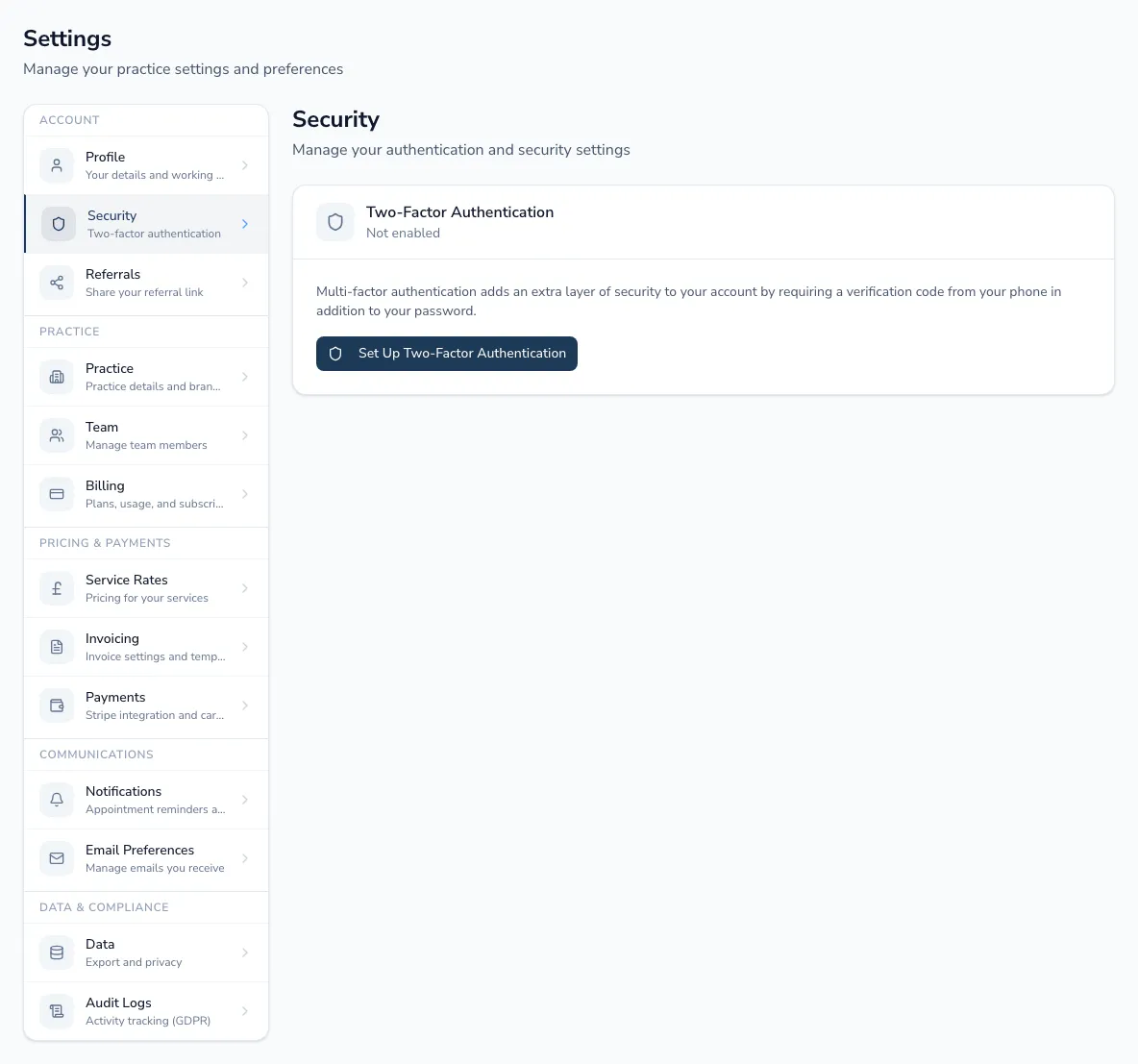
Setting up 2FA
Section titled “Setting up 2FA”-
Choose Set Up Two-Factor Authentication.
-
Scan the code with an authenticator app (Google Authenticator, Authy, 1Password all work).
-
Enter the code it generates to confirm, and save your backup codes somewhere safe — they get you back in if you ever lose access to your authenticator app.
Managing it afterwards
Section titled “Managing it afterwards”Once set up, the page shows 2FA as enabled and gives you three options: Regenerate Backup Codes (if you’ve used some up, or want a fresh set), Change Authenticator App (resets and takes you through setup again — for example, if you’ve switched phones), and Disable MFA, where allowed.