

Sending and getting paid
Every invoice can be sent to the client or organisation, settled by card or marked as paid when the money lands, and tracked from draft through to paid — so you always know exactly where each one stands.
Sending an invoice
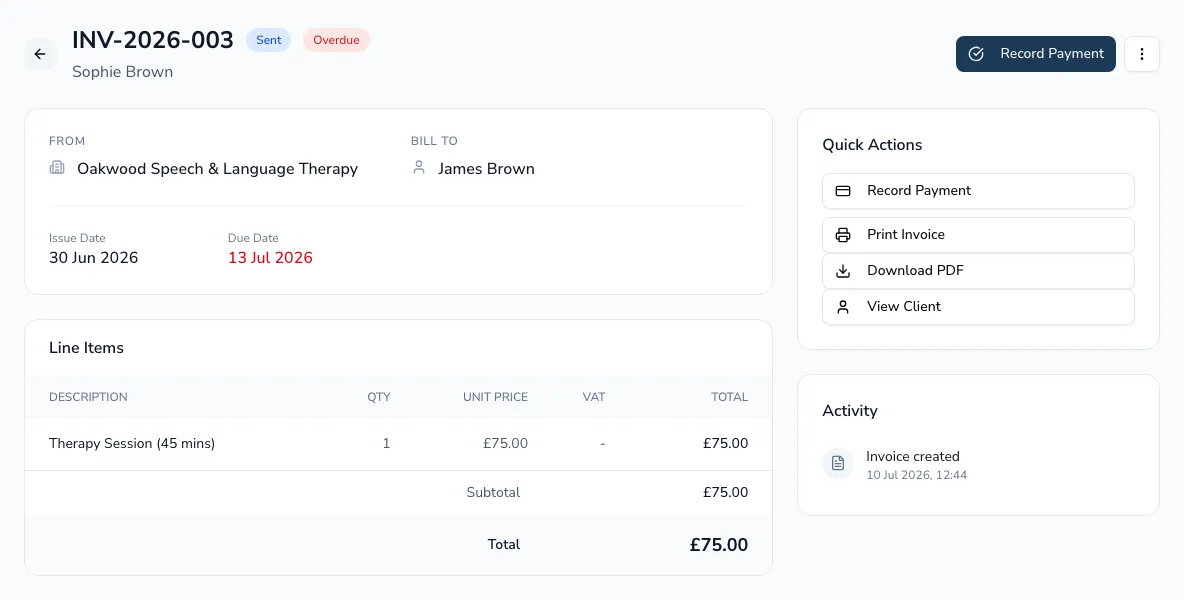
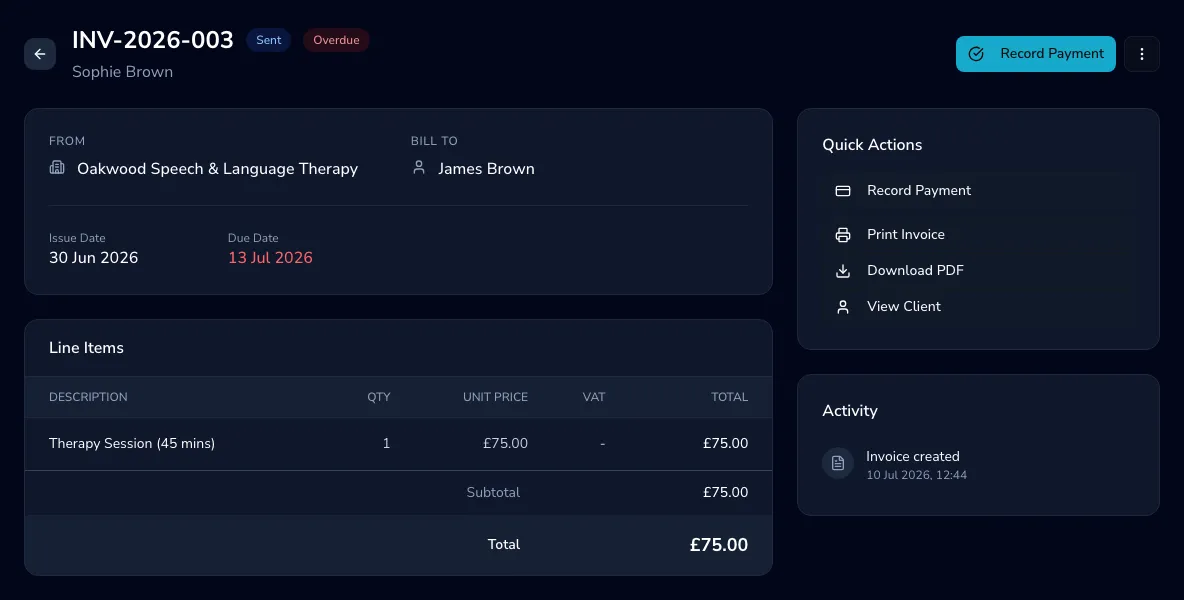
Section titled “Sending an invoice”From a draft invoice, choose Send to email it to the client or organisation. The invoice shows a full activity log — created, sent, paid — so you can see exactly where it stands. You can print or download a PDF at any time.
Getting paid by card
Section titled “Getting paid by card”If you’ve connected Stripe, you can add a card payment link to a client invoice — generate it, copy it, and (if it expires) regenerate it. The invoice shows whether the link is active or expired.
Recording a manual payment
Section titled “Recording a manual payment”For payments you take yourself — bank transfer, cash or cheque — choose Record payment on a sent or overdue invoice and enter the amount, method, reference and date. The invoice updates to paid.
-
Open the invoice.
-
Choose Record payment.
-
Enter the amount, method (e.g. bank transfer), any reference, and the date paid.
Cancelling an invoice
Section titled “Cancelling an invoice”You can cancel any invoice that isn’t already paid, cancelled or disputed — useful if it was raised in error. Cancelled invoices stay on record for your audit trail.