

Booking appointments
You book every appointment in Practicos from the Calendar — a one-to-one, a group session or a client-free planning block — by choosing New appointment or clicking an empty time slot. A mini day-view preview shows the rest of that day’s schedule as you book.
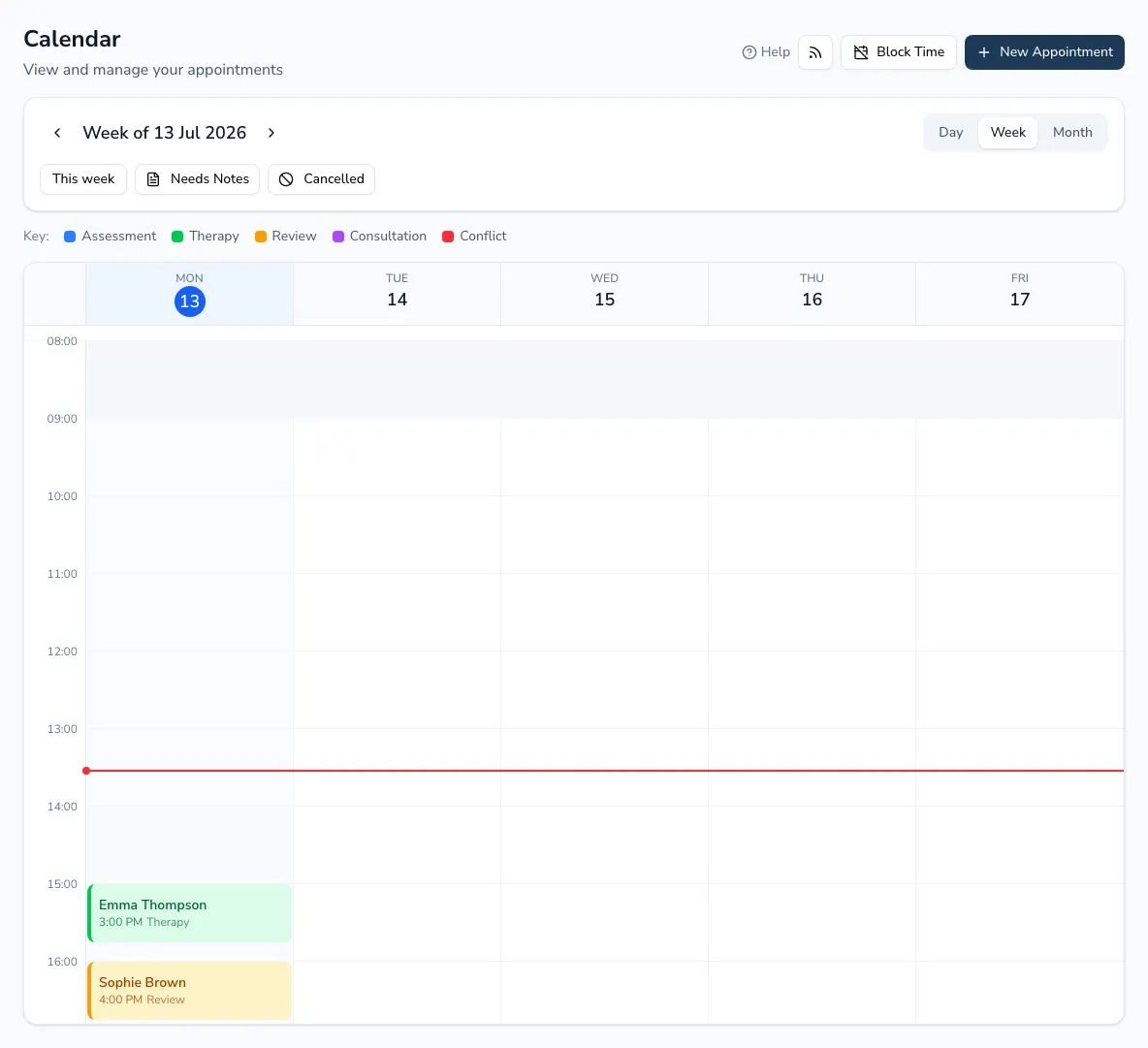
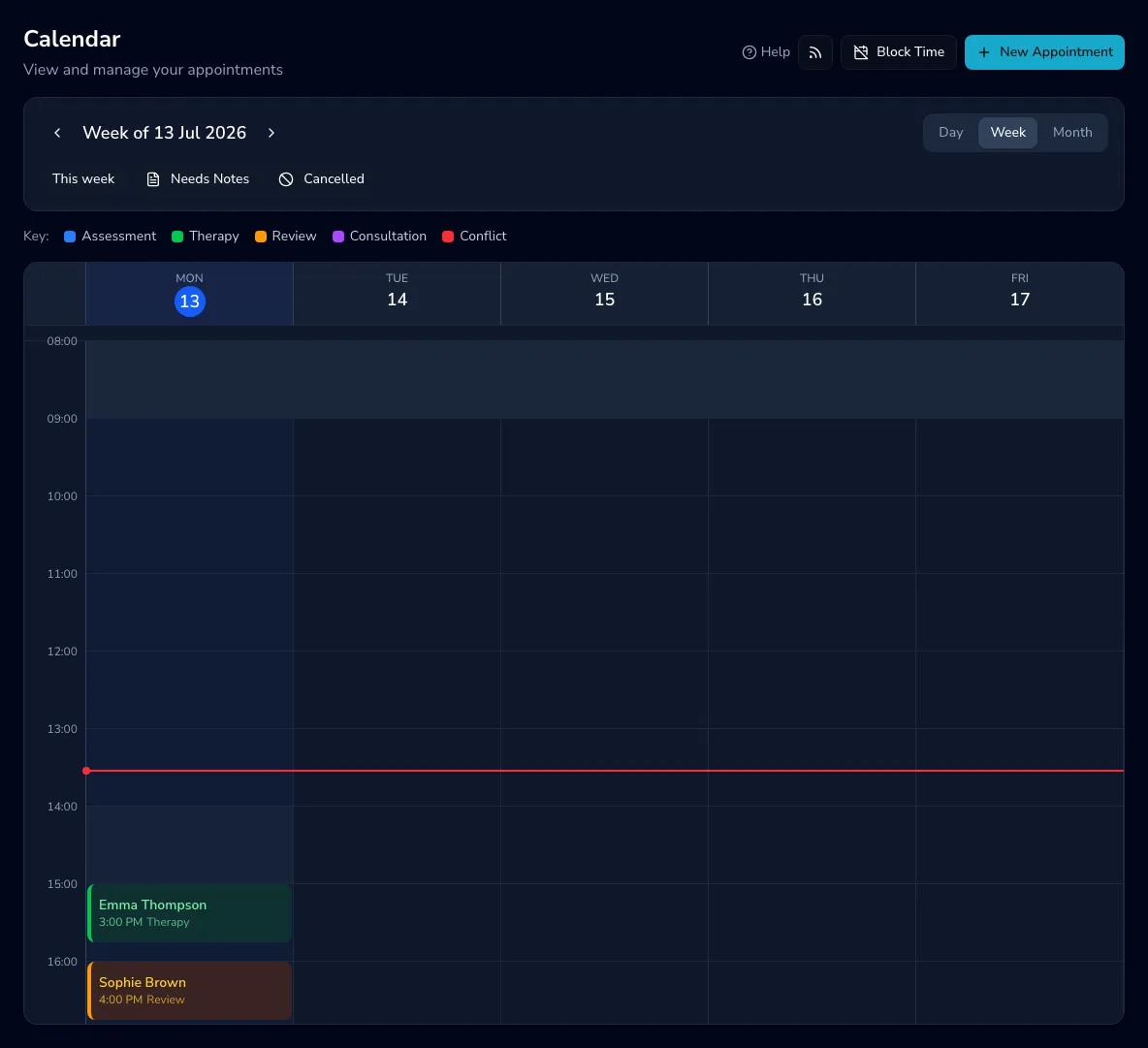
-
Pick the date, start time and duration (anything from 5 minutes to 4 hours).
-
Choose who’s attending (see below).
-
Set the appointment type and location.
-
Add any extras — practitioners, a repeat, a contract service, session focus and resources — then book.
Who’s attending
Section titled “Who’s attending”Client selection is multi-select, and it changes what kind of session you book:
- One client — a standard appointment.
- Two or more clients — a group session. Each child gets their own linked appointment, so their individual records stay accurate.
- No clients — a client-free session, such as a planning visit or admin block, with an optional title.
A single client can also be marked not attending — a therapist-only session, such as an annual review where you’re preparing rather than seeing the child.
Type and location
Section titled “Type and location”- Appointment types: Initial Assessment, Therapy, Review Assessment, Consultation, Meeting, Observation, ADOS Assessment, and Other Assessment.
- Locations: Clinic, Home Visit, School, Nursery, Preschool, Online or Other. Off-site locations let you link the specific organisation involved.
Clinic rooms
Section titled “Clinic rooms”If your practice has more than one treatment room, define your rooms once in Settings → Rooms (add, rename, or archive them — archiving keeps the room’s name on past appointments). A Room choice then appears when booking or editing an appointment; it’s optional, so home visits and online sessions simply leave it empty. The room shows on the calendar and the appointment’s details, and two appointments booked into the same room at overlapping times are flagged just like a double-booked therapist.
Rooms are for your team’s scheduling only — clients never see room assignments in reminders or any other message. Practices with no rooms defined see nothing new.
Practitioners, repeats and extras
Section titled “Practitioners, repeats and extras”- Co-therapists — choose a primary therapist plus any co-therapists.
- Repeat weekly — create a recurring series on the same weekday for any number of weeks up to 20.
- Contract service — link the session to an organisation contract so delivery is tracked automatically.
- Session focus and resources — add preparation notes and attach the resources you’ll need from your resource library.
Practicos checks for clashes as you book — see Conflicts and working hours.