

Setting up your practice
A short setup wizard gets your practice ready when you first sign up — work through it in one go, skip steps, or leave and finish later from Settings.
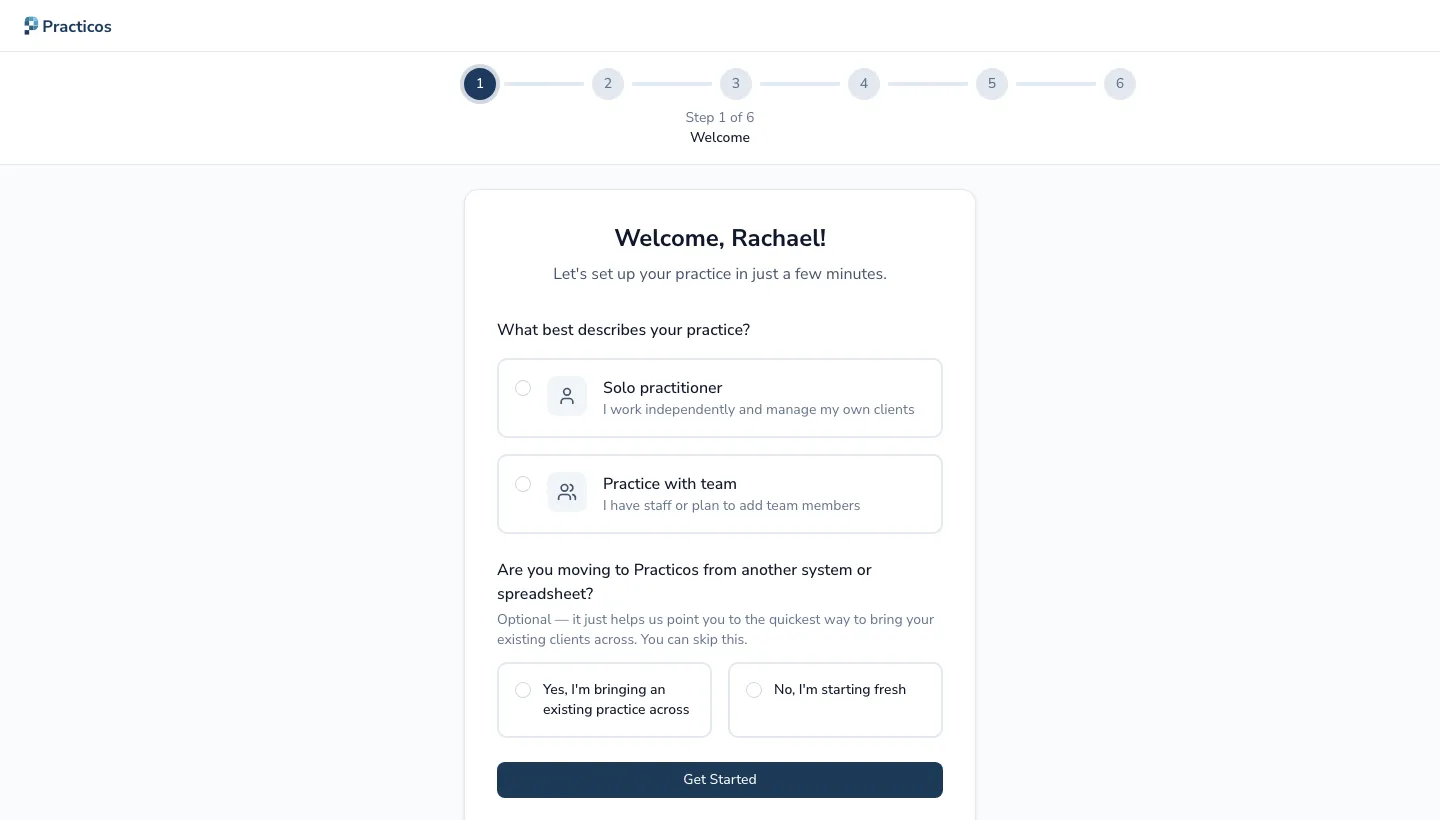
-
Welcome — a quick introduction.
-
Practice details — name, contact details, address, and (optionally) your company number.
-
Professional registration — add your HCPC number (optional; you can add it later in Settings → Profile).
-
Client types — whether you work with children, adults, or both. This sets the default for new clients.
-
Working hours — your usual working days and times, which shape the calendar and availability.
-
First client — add your first client, or skip and do it later.