

Email delivery log
When a client says a reminder never arrived, the email delivery log is a read-only record of every email Practicos has sent on your behalf — reminders, welcome emails, messages you’ve sent and more — so you can check whether it was actually sent, and what happened to it.
At a glance
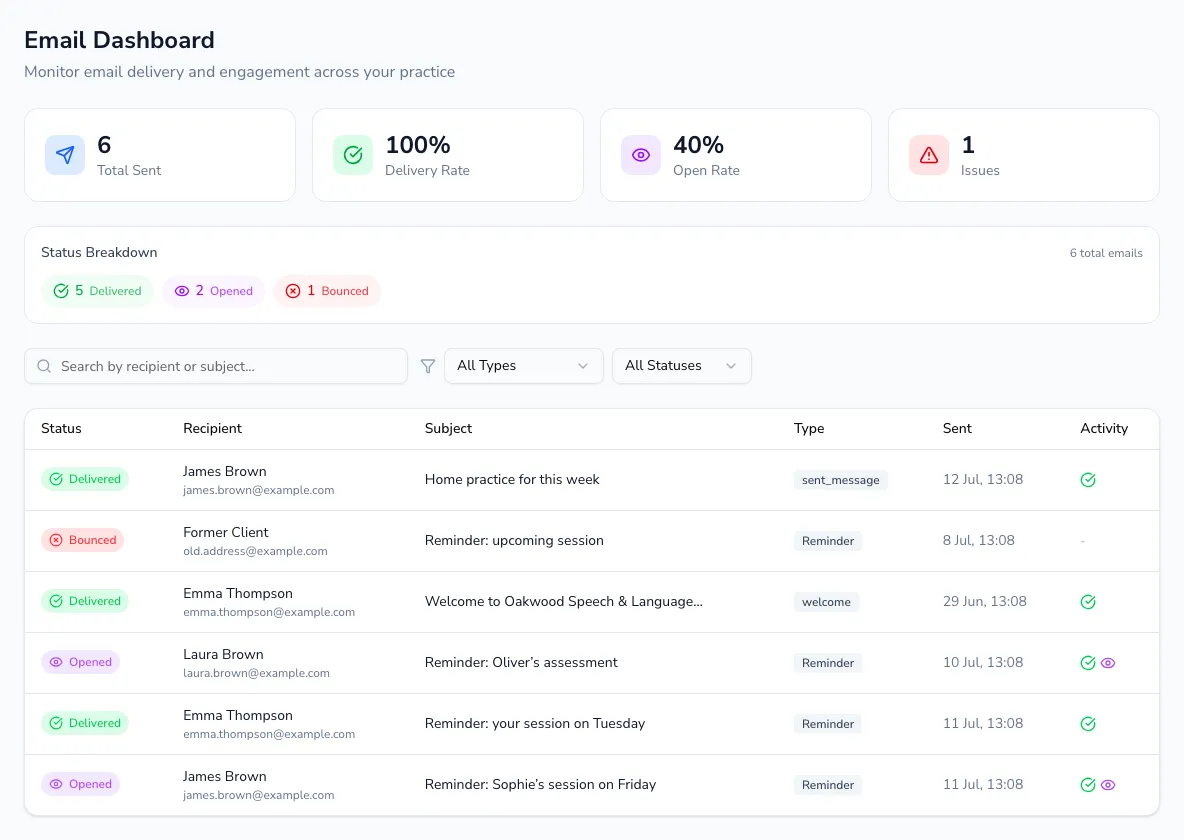
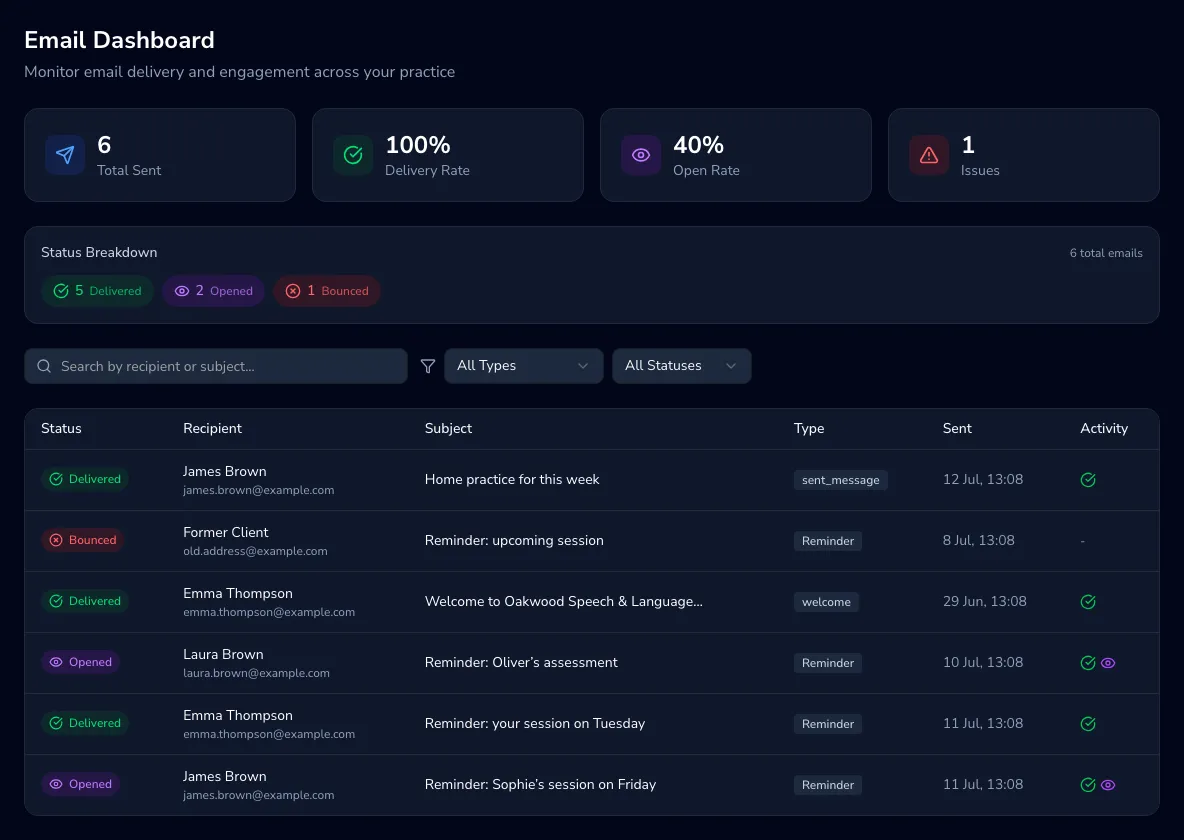
Section titled “At a glance”Three totals up top — Total Sent, Delivery Rate and Issues (bounces and failures combined) — plus a status breakdown showing exactly how many emails are Delivered, Clicked, Bounced, Failed and Blocked.
Finding a specific email
Section titled “Finding a specific email”Search by recipient or subject, and narrow the list by email type (reminders, sent messages, tests, general) or status. Clear resets every filter and the search box in one go.
The table
Section titled “The table”Each row shows who it went to, the subject, its type, when it was sent and a quick activity glance — a tick if it was delivered, a cursor icon (with a click count) if a link inside was clicked. Choose any email to open its full delivery timeline. Older emails are paginated, 20 at a time.
What the statuses mean
Section titled “What the statuses mean”- Sent — handed to the mail server; delivery isn’t confirmed yet.
- Delivered — accepted by the recipient’s mail server.
- Clicked — the recipient opened a link inside it.
- Bounced — couldn’t be delivered, often because of a wrong address.
- Failed — the send itself failed, which is rarer than a bounce.
- Spam / Blocked — rejected or filtered before it reached the recipient.
- Pending — still working its way through — check back shortly.
If a client says a reminder never arrived, this is the first place to check.