

Share a group session with attendees
Record an ASLTIP local group or peer case discussion once, then share it with the other attendees so everyone keeps their own copy — without re-typing it, and without exposing anything private.
-
Open the group session and choose Share with attendees.
-
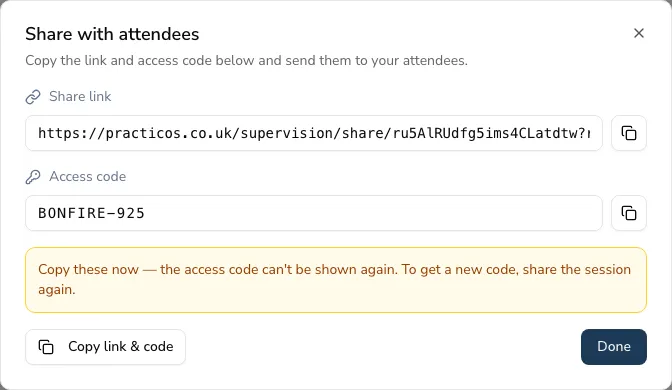
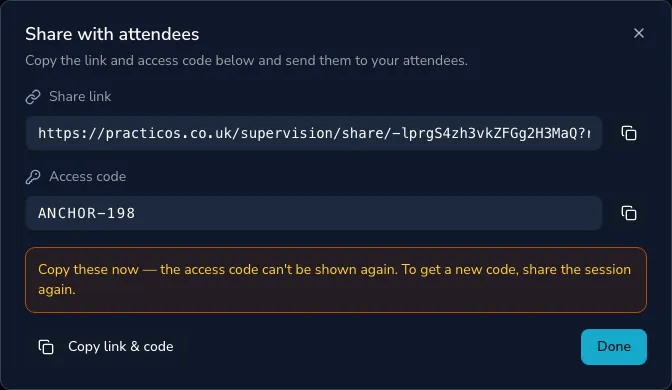
Practicos generates a private link and a short access code (a WhatsApp group works perfectly for sending them).
-
Send the link and the code to your attendees.
Only the shareable facts travel
Section titled “Only the shareable facts travel”When you share a session, only the session summary and each topic’s title and discussion are shared. Your reflections, cost and safeguarding notes never leave your account — see Privacy & safety.
Staying in control
Section titled “Staying in control”- Set an expiry when you share.
- Revoke the link at any time.
- See how many people have taken a copy on the session’s “Shared · N claimed” panel.