

Conflicts and working-hours warnings
Double-booking a child, or a co-therapist, is an easy mistake when you’re juggling a full diary — Practicos checks every new appointment against your existing schedule and working hours as you book, and tells you exactly what clashes before it happens, rather than after.
Overlap warnings
Section titled “Overlap warnings”As soon as you set a date, time and duration, Practicos names any clash by the client(s) and time involved:
- Hard overlaps — a direct clash with another appointment. Time conflict detected, listing who it overlaps with — this blocks the booking until you change the time.
- Soft or buffer overlaps — a near-clash within your practice’s short buffer either side of an appointment. You can still choose Book anyway if you’re happy to book back-to-back without the gap.
Booking for more than one practitioner (a co-therapist, or several attendees in a group session) checks everyone’s diary, not just yours. When you’re booking a repeat weekly series, Practicos names the specific week(s) that clash, so you can see exactly which dates in the series are affected rather than having to check each one yourself.
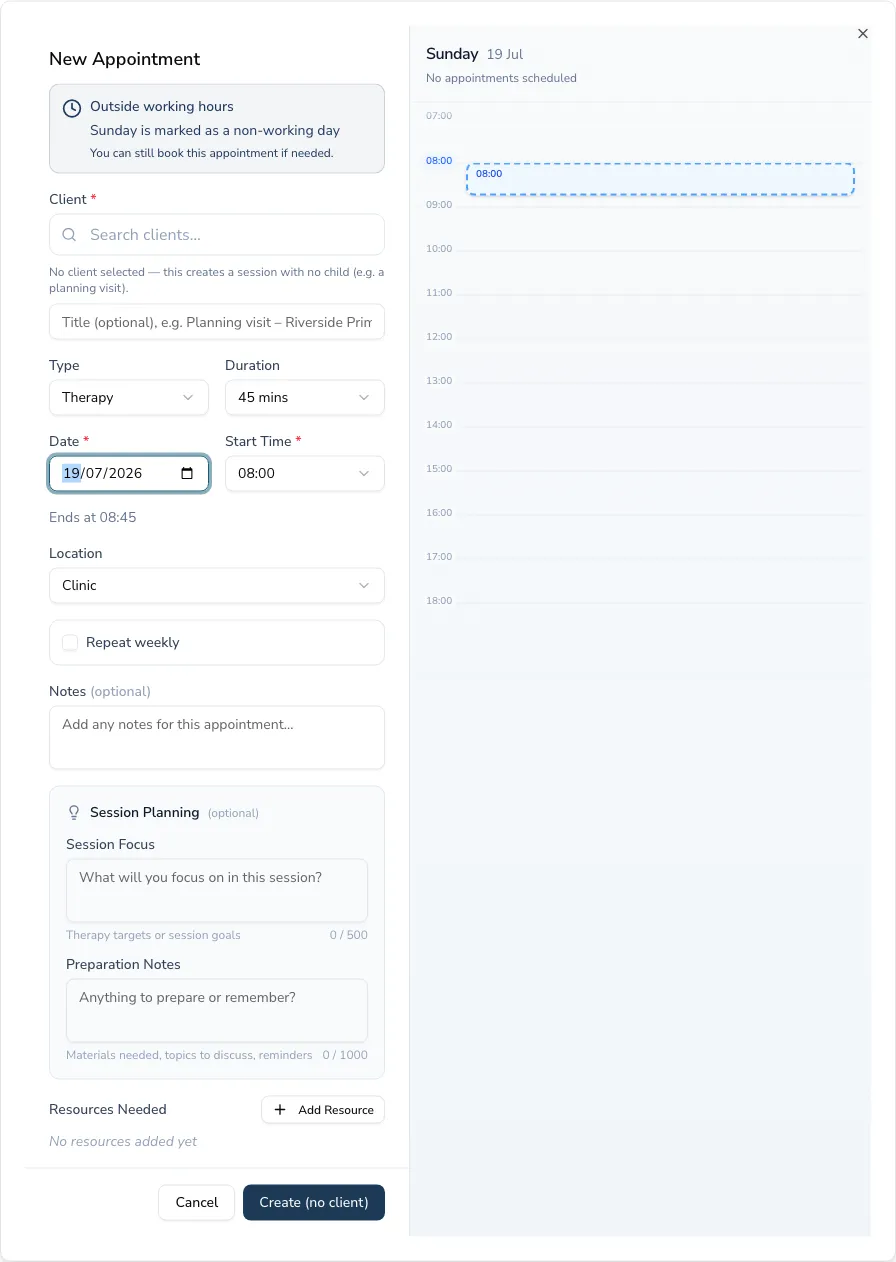
Working-hours warnings
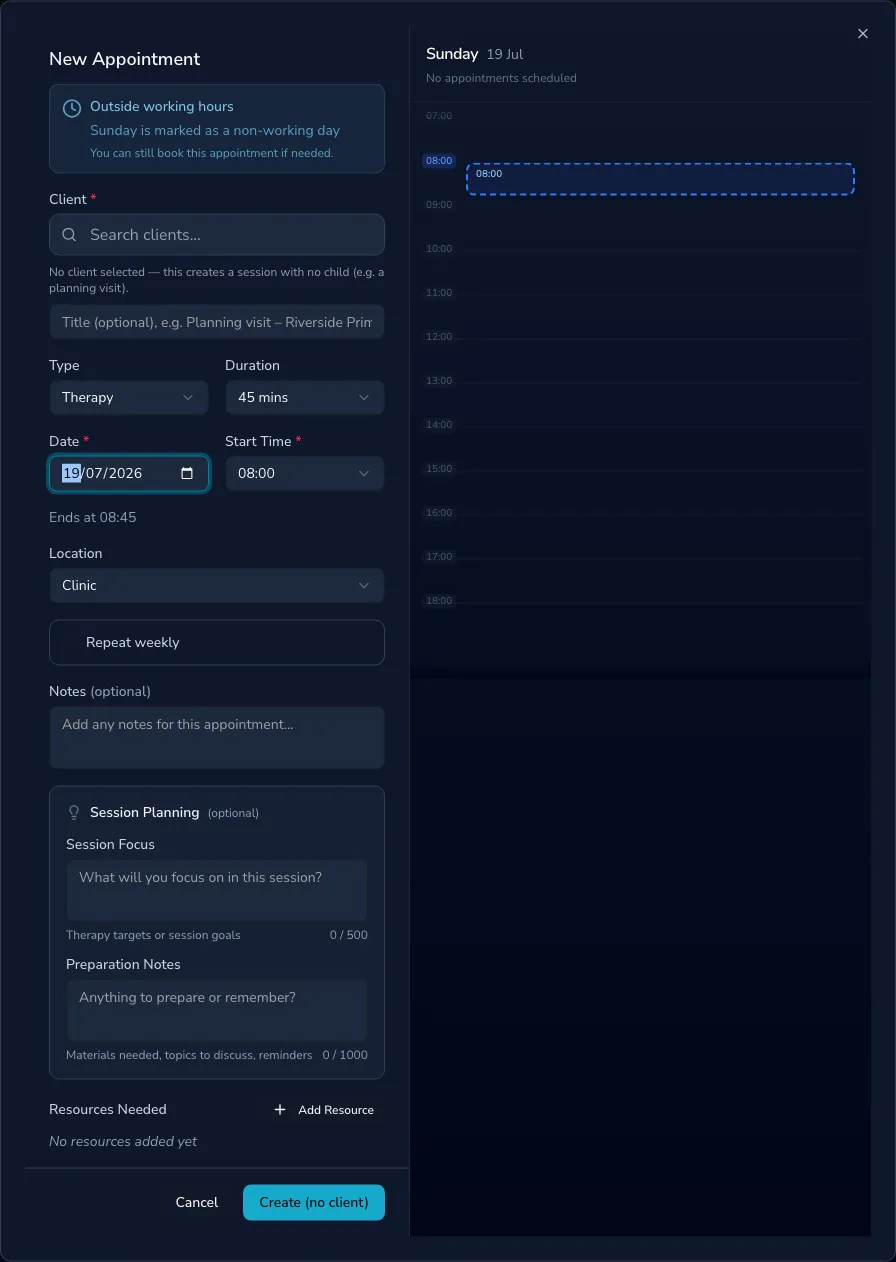
Section titled “Working-hours warnings”If a time falls outside your working hours or on a day you’ve marked as non-working, Practicos flags it — Outside working hours — but still lets you book, since a one-off early or late session, or covering an unusual day, is a normal part of practice.