

Writing a clinical note
A clinical note is your written record of what happened in a session, and in Practicos you can start one from almost anywhere a session appears — the Today view, your dashboard, the calendar, a client’s record, or your outstanding-notes list. They all open the same note editor.
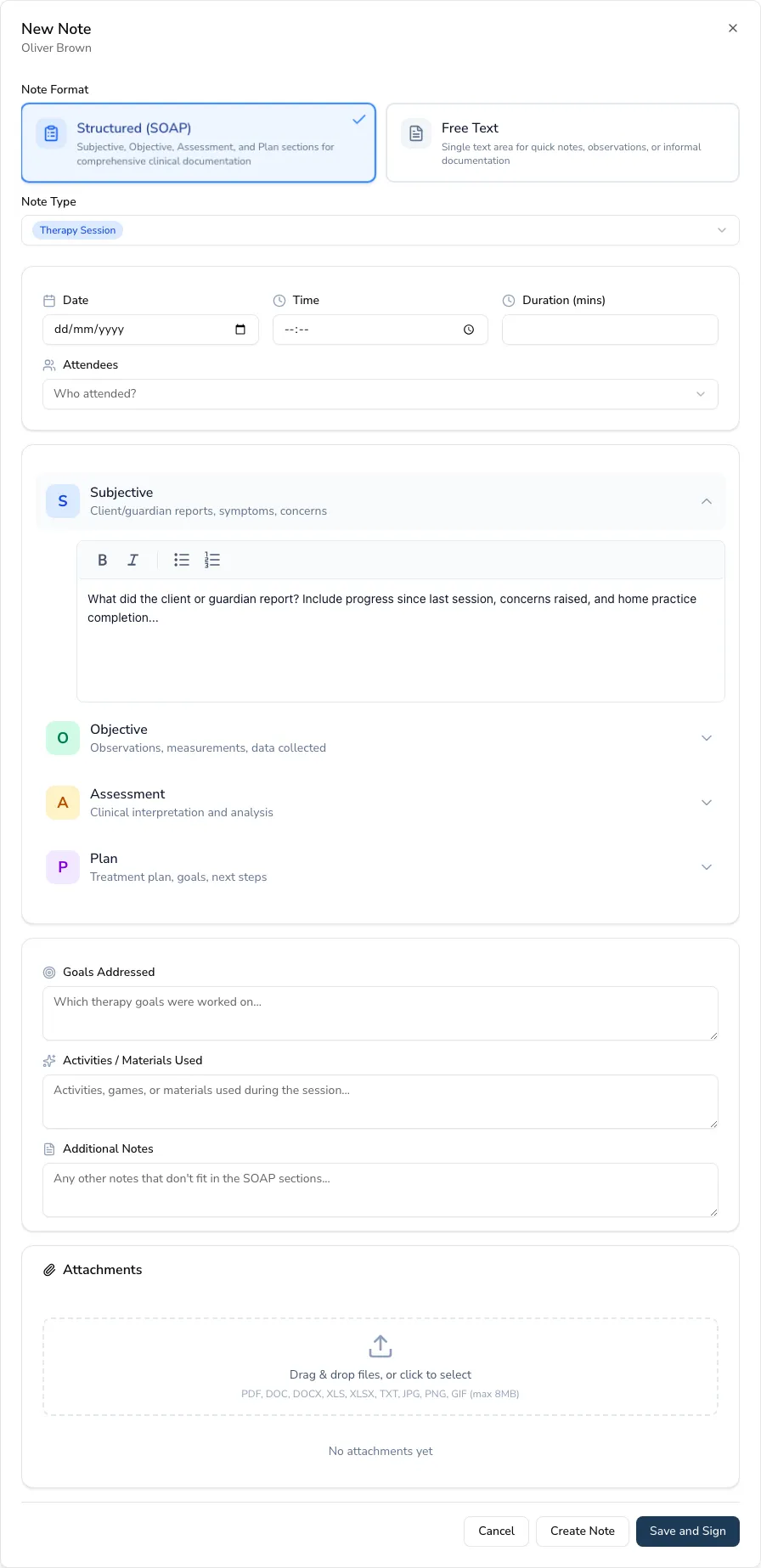
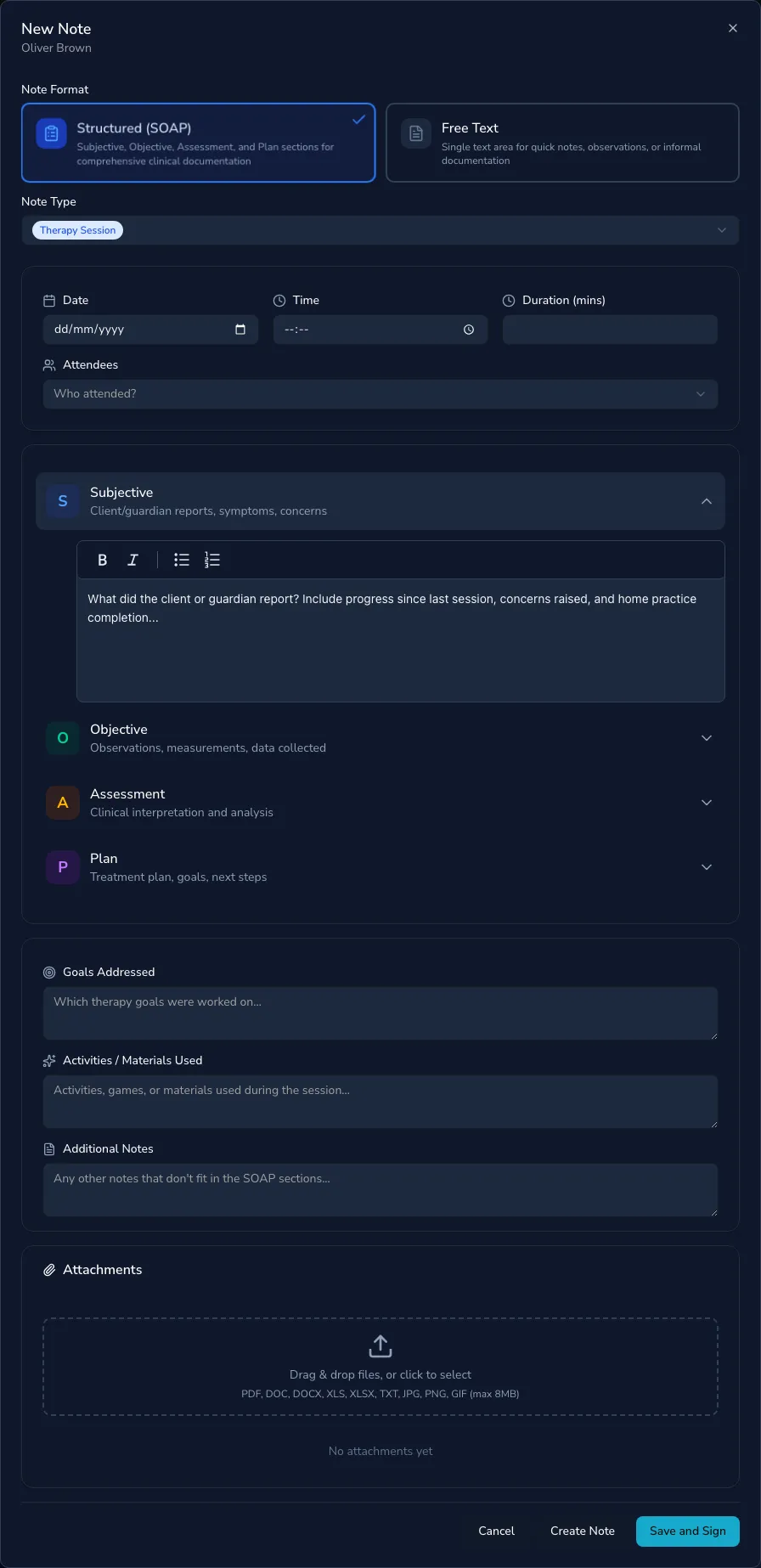
SOAP or unstructured
Section titled “SOAP or unstructured”New notes can use one of two formats:
- SOAP — structured into Subjective, Objective, Assessment and Plan, in collapsible sections.
- Unstructured — a single free-text note.
Note types
Section titled “Note types”Notes are typed: Session, Assessment, Progress, Discharge or General. When you open a note from an appointment, the type is chosen for you based on the appointment type, and the default format follows the type.
Details filled in for you
Section titled “Details filled in for you”When a note is linked to an appointment, the session date, time, duration and note type are pre-filled, and an indicator shows it’s linked. You can record attendees and, in a team practice, the authoring therapist.
SOAP notes also have dedicated fields for goals addressed, activities and materials used, and additional notes.
Linking a note to its appointment
Section titled “Linking a note to its appointment”A note written from an appointment — from Today, the calendar or an appointment’s details — is linked to that appointment automatically, which is what clears it from your outstanding-notes list.
Notes started from a client’s record don’t have an appointment yet, so Practicos helps you connect them:
- As you save — if the session date matches one of the client’s appointments from that day that has no note, Practicos asks whether this note is for it. One click links the two.
- Afterwards — an unlinked note shows a Link to appointment option when you open it, listing the client’s recent appointments without a note, nearest the note’s date first.
Linking is only offered while a note is unsigned, and only to appointments that have already happened. If you’ve been writing catch-up notes from client records, linking them is the quickest way to make your outstanding-notes list tell the truth.
Rich text and @-mentions
Section titled “Rich text and @-mentions”The editor supports rich text and @-mentions — type @ to insert a token
for the client, therapist, guardian or session date, which fills in
automatically. This keeps notes accurate and quick to write.
Once you’ve written the note, you can save it as a draft or sign it — see Signing and locking notes.