

Appointment reminders and notifications
Practicos can automatically send appointment reminders to clients and guardians, and greet new ones with a welcome email when they join — so you spend less time chasing people by hand and see fewer no-shows.
Appointment reminders
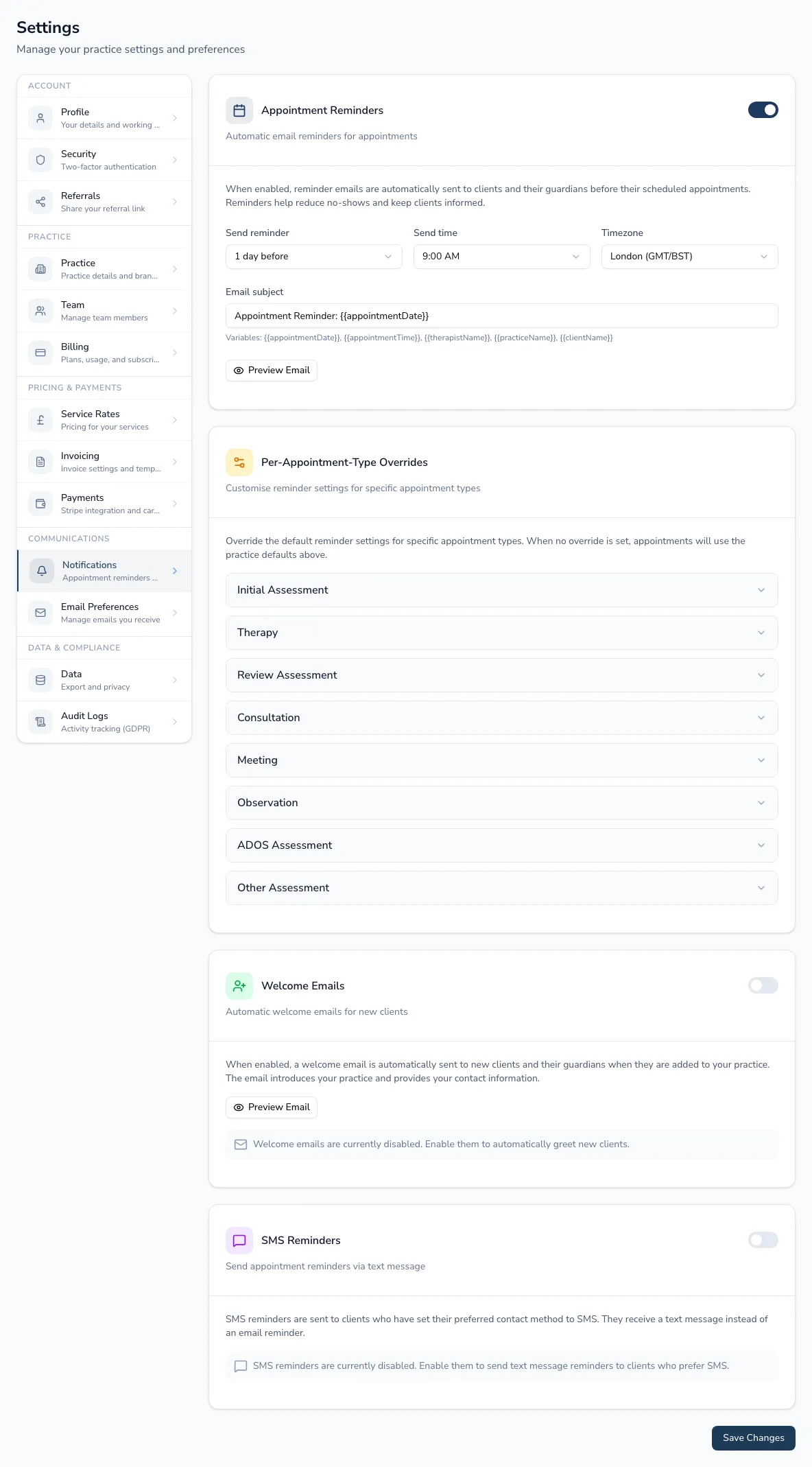
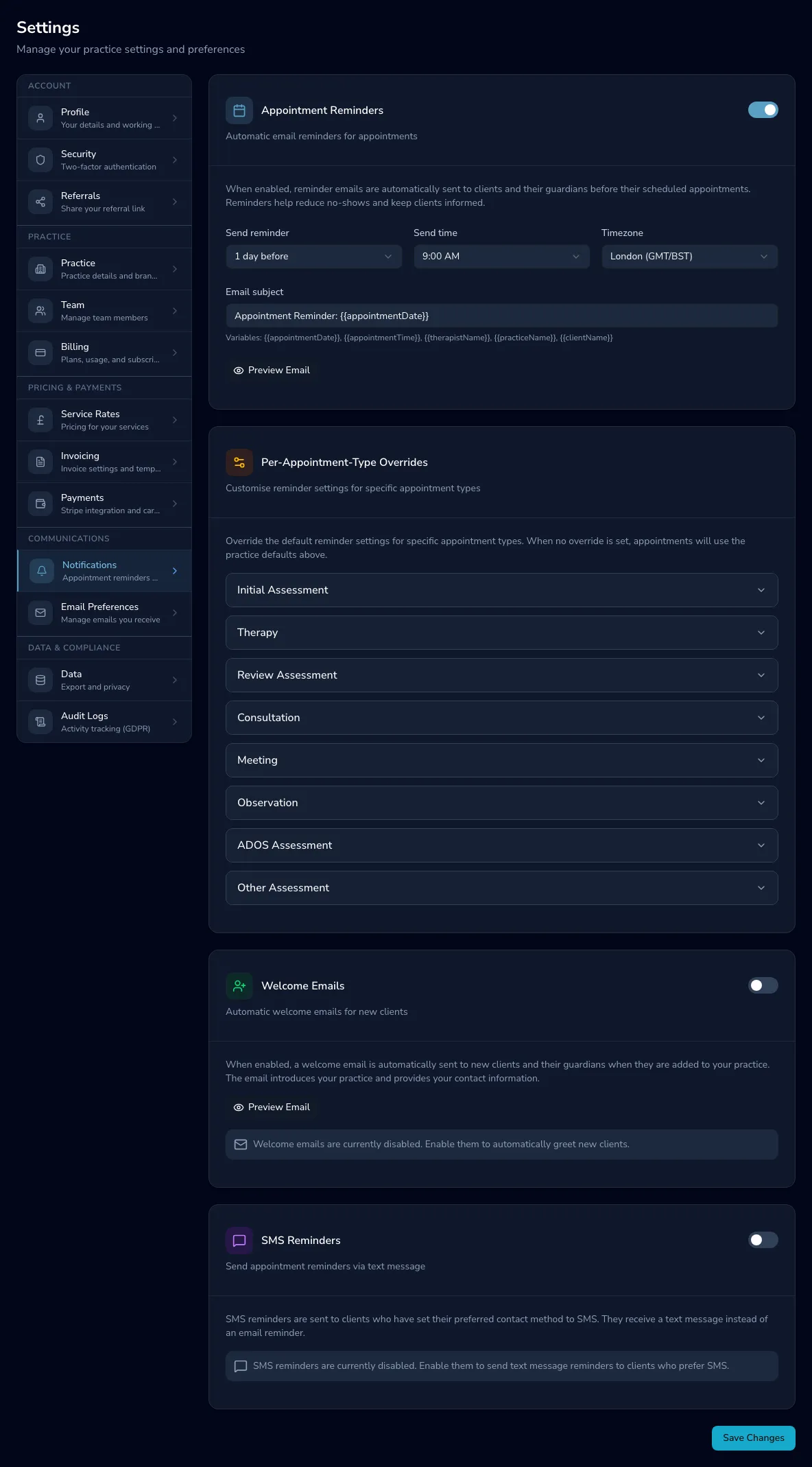
Section titled “Appointment reminders”Under Settings → Client reminders & messages, switch reminders on and set:
- Timing — how many days before the appointment (1, 2, 3 or a week), the default send time, and your timezone.
- Email subject — free text, with variables like
{{appointmentDate}}and{{clientName}}so each email is personalised automatically.
Choose Preview Email to see the reminder rendered with sample data before you rely on it. Once reminders have gone out, the same section shows how many have been Sent, Delivered and Failed.
Different reminders for different appointment types
Section titled “Different reminders for different appointment types”Expand any appointment type (Initial Assessment, Therapy, Review Assessment and so on) to override the practice defaults just for that type — reminders on/off, days before, and a different email subject. A type with an override shows a Custom badge; Clear overrides returns it to inheriting the defaults above.
Welcome emails
Section titled “Welcome emails”Switch on Welcome Emails to greet new clients (and their guardians) automatically when they’re added, introducing your practice and contact details. Preview Email shows exactly what they’ll receive.
SMS reminders
Section titled “SMS reminders”Where SMS is set up on your plan, switch on SMS Reminders for clients who’ve set their preferred contact method to text rather than email. Edit the message template — the character count and segment count update as you type, so you can see if a longer message will be billed as more than one text — Preview SMS, or send yourself a test SMS before relying on it.