

Waiting list and enquiries
The Waiting list tracks enquiries and referrals before they become clients — so nothing is lost between first contact and starting therapy.
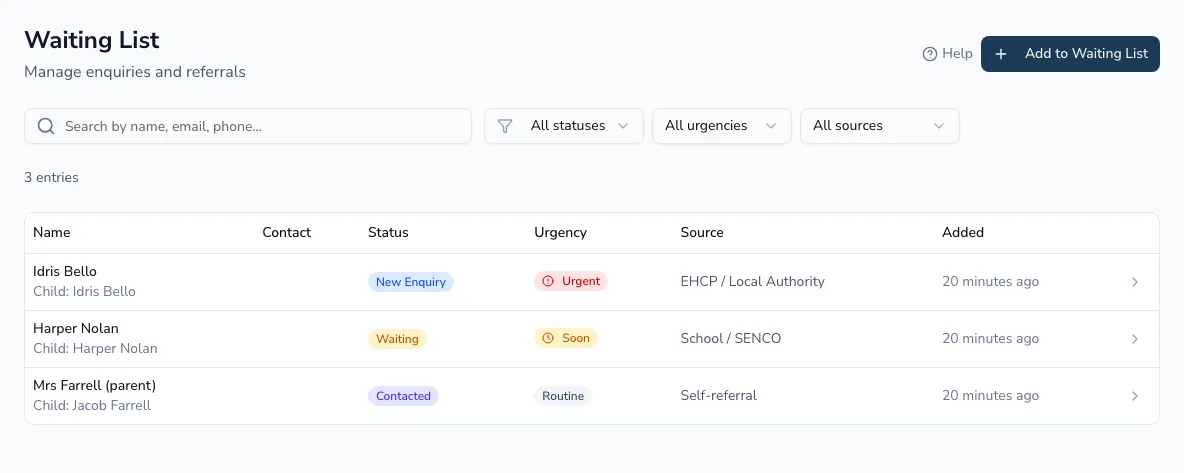
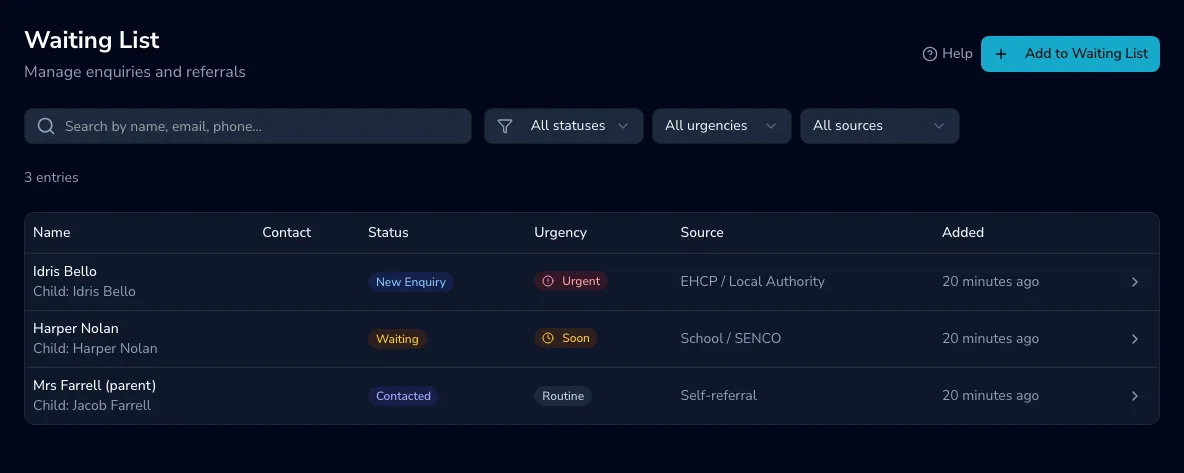
Adding an enquiry
Section titled “Adding an enquiry”Choose Add to waiting list and record the person’s details, the referral information, its urgency and source, and the practitioner it’s assigned to.
Statuses
Section titled “Statuses”Each entry moves through a workflow:
Enquiry → Contacted → Waiting → On hold → Offered → Converted / Declined
The default Active view shows everyone still in play (enquiry, contacted, waiting, on hold and offered). You can filter by search, status, urgency, referral source and practitioner.
Managing an entry
Section titled “Managing an entry”Click an entry to open its detail panel, where you can change its status (marking one declined captures a reason), add timeline notes, edit it, or delete it.
Converting to a client
Section titled “Converting to a client”-
Open the waiting-list entry and choose Convert to client.
-
Confirm the details — client type (paediatric or adult) and, for a child, guardian details.
-
Practicos creates a full client record and marks the entry as converted.
-
Optionally jump straight to booking their first appointment.