

Time off and your calendar feed
Blocking out time
Section titled “Blocking out time”Use time blocks to mark when you’re unavailable — holidays, annual leave, meetings and the like. Create, edit and delete blocks; make them all-day or timed; and set them to repeat. Blocked time is shaded on the calendar and helps keep bookings out of your time off.
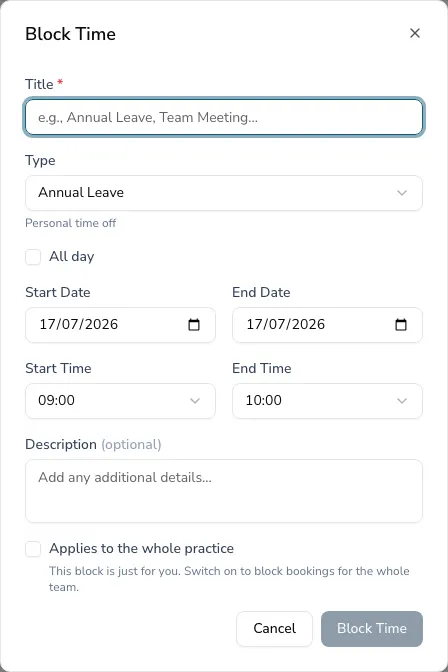
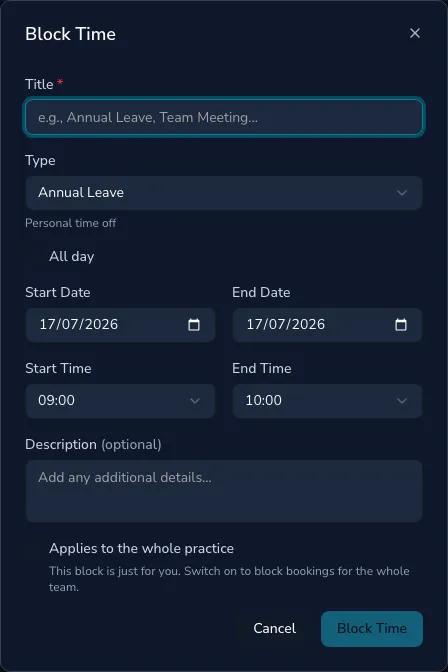
A block you create is just for you by default — your annual leave or a personal appointment doesn’t block bookings for the rest of your team. If you manage the practice diary (owners, managers and administrators), the block window has an Applies to the whole practice option for things that close the whole practice, like a bank holiday or a team training day.
Subscribing to your calendar
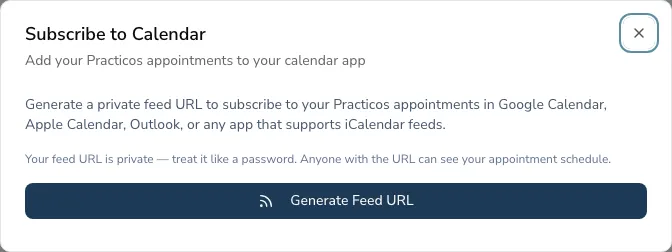
Section titled “Subscribing to your calendar”You can view your Practicos appointments in Google Calendar, Apple Calendar or Outlook using a private iCalendar (ICS) feed.
-
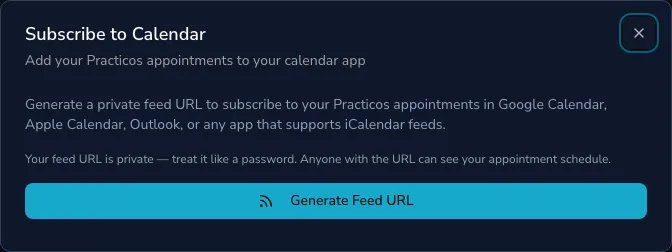
On the calendar, generate your calendar feed to get a private feed URL.
-
Copy it and add it as a subscribed calendar in your calendar app.
-
Your appointments then appear there automatically, kept up to date.