Record a supervision session
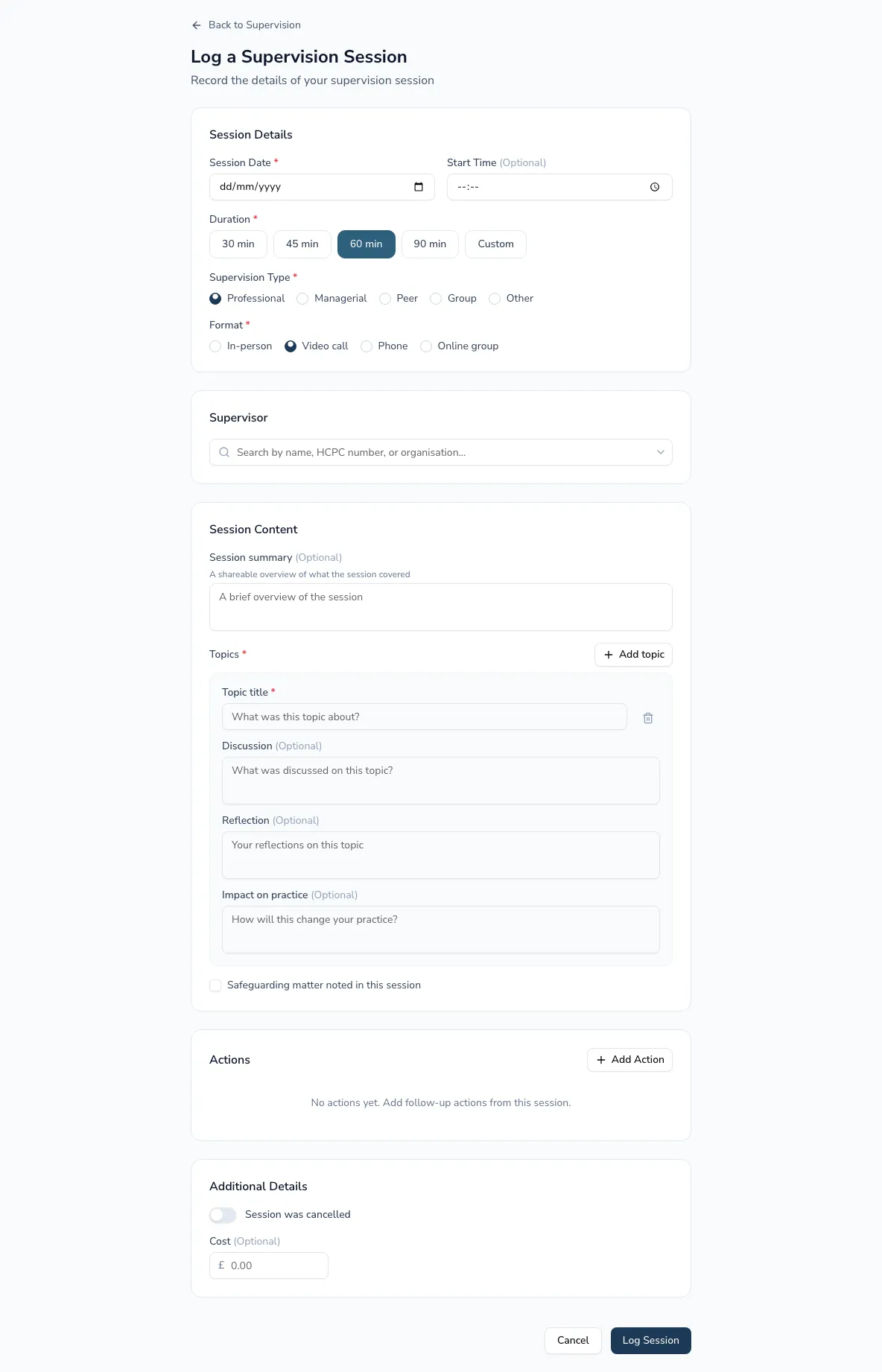
Record each session’s facts, the topics you covered, and — importantly — your own reflection. Practicos separates the shareable overview from your private reflections, so you can later share a group session without exposing anything personal.
-
On the supervision dashboard, choose Log a session.
-
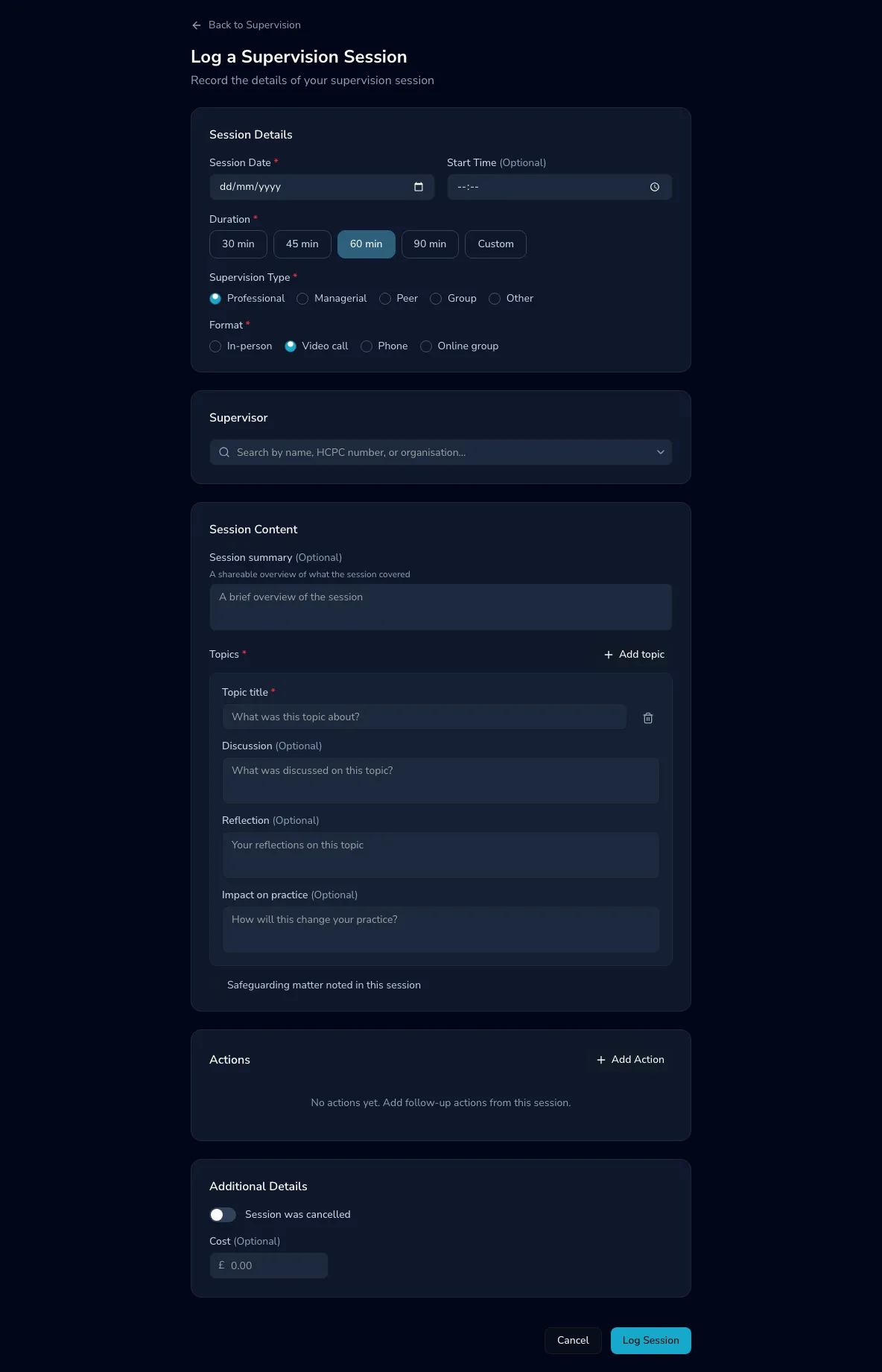
Fill in the session details — date, duration, supervision type (professional, managerial, peer, group or other) and format (in person, video call, phone, or online group).
-
Add a session summary — a short, shareable overview of what the session covered.
-
Add one or more topics. Each has a discussion, plus space for your own reflection and the impact on your practice — the reflective detail HCPC audits look for.
Viewing a session
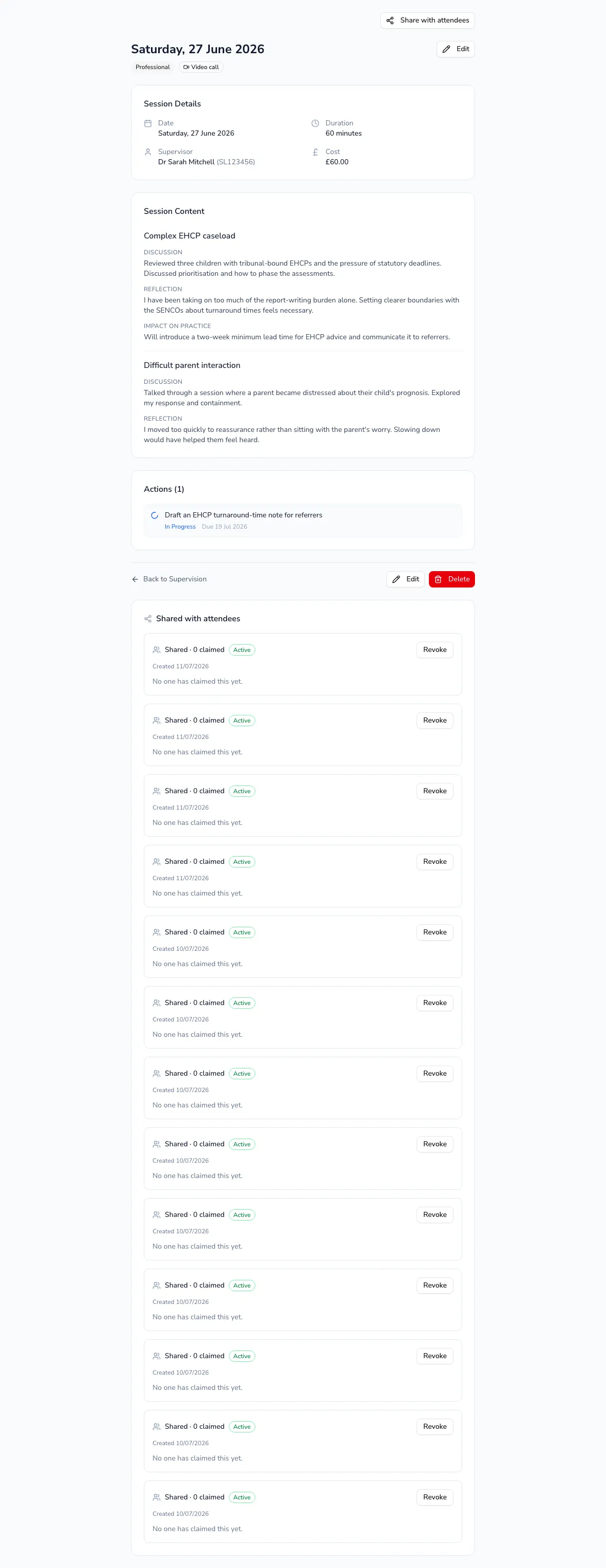
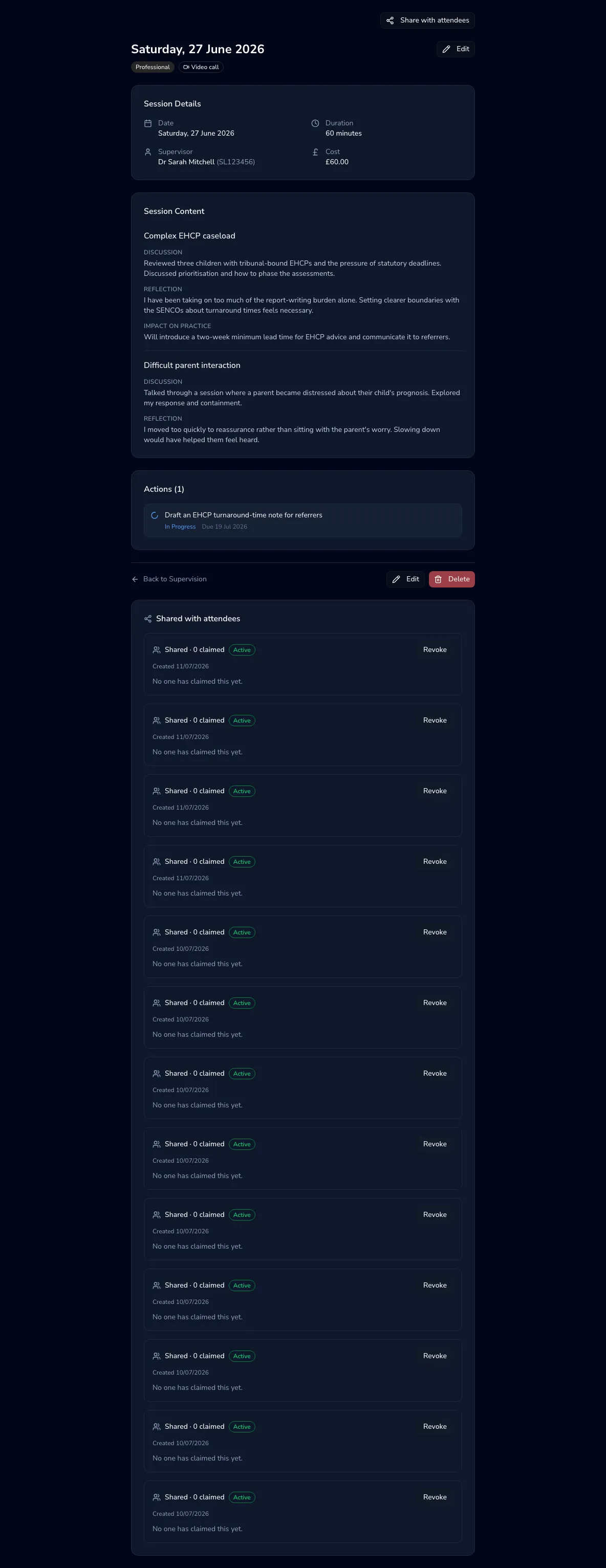
Section titled “Viewing a session”Open any session from the dashboard to see its full record — details, every topic with your reflections, and any follow-up actions. This is also where you start sharing a group session (see Share with attendees).