

Your first day: setting up a solo practice
This worked example follows setting up a brand-new solo practice in Practicos start to finish — using realistic choices, so you can see exactly what your first day looks like.
Meet Hannah Fletcher. After nine years at an NHS community hub, Hannah is going independent as a paediatric SLT, working from a rented room in Elmsworth. She has no clients on her books yet, and she’d much rather be with children than doing admin — so she wants to be up and running quickly.
1. Create the account
Section titled “1. Create the account”Hannah signs up with her name, work email and a password, then confirms her email with the code Practicos sends her. Her free 14-day trial starts immediately — no card needed. (Full detail: Creating your account.)
2. Work through the setup wizard
Section titled “2. Work through the setup wizard”After confirming her email, Hannah lands in the short setup wizard. She works straight through it.
-
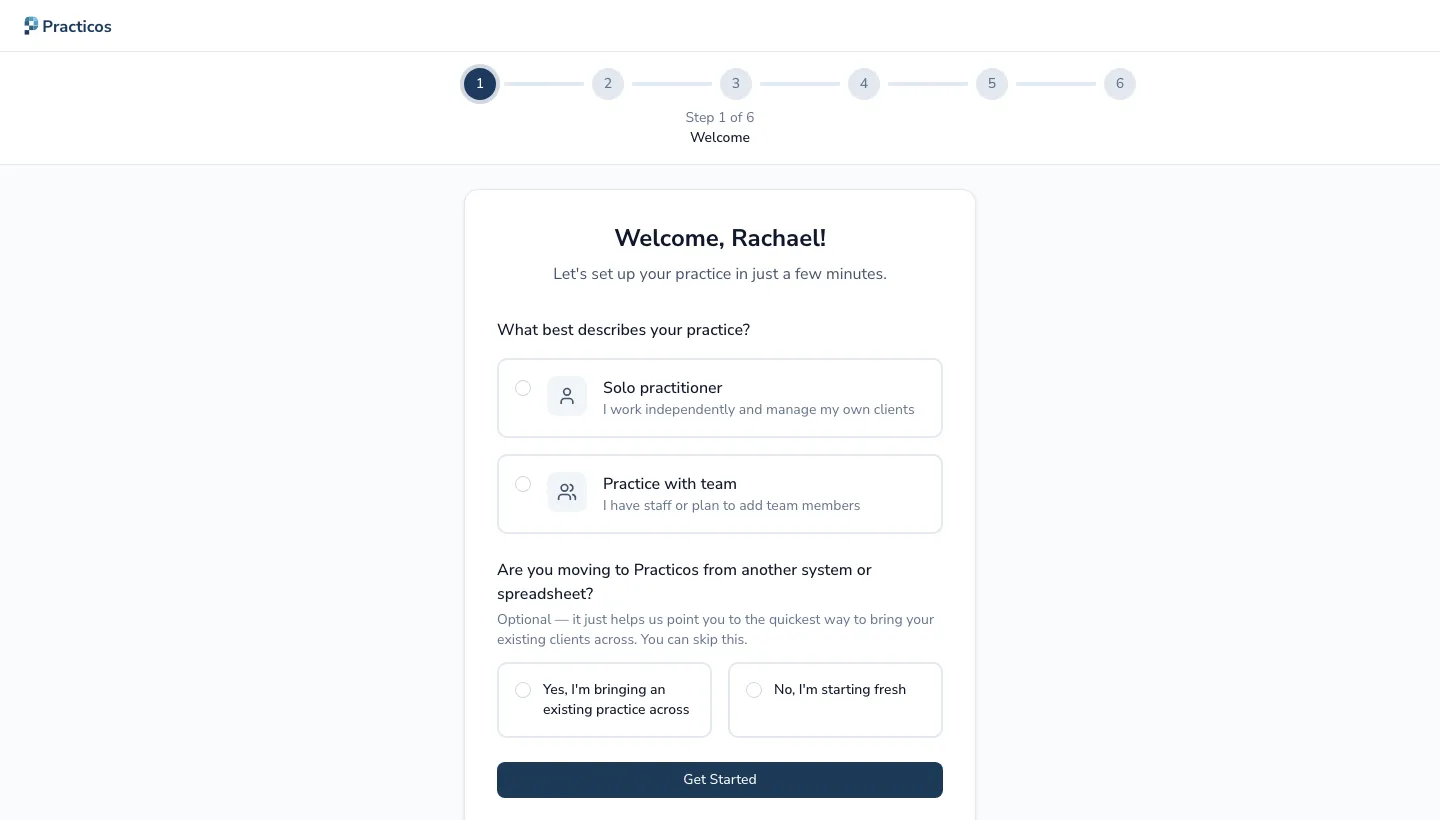
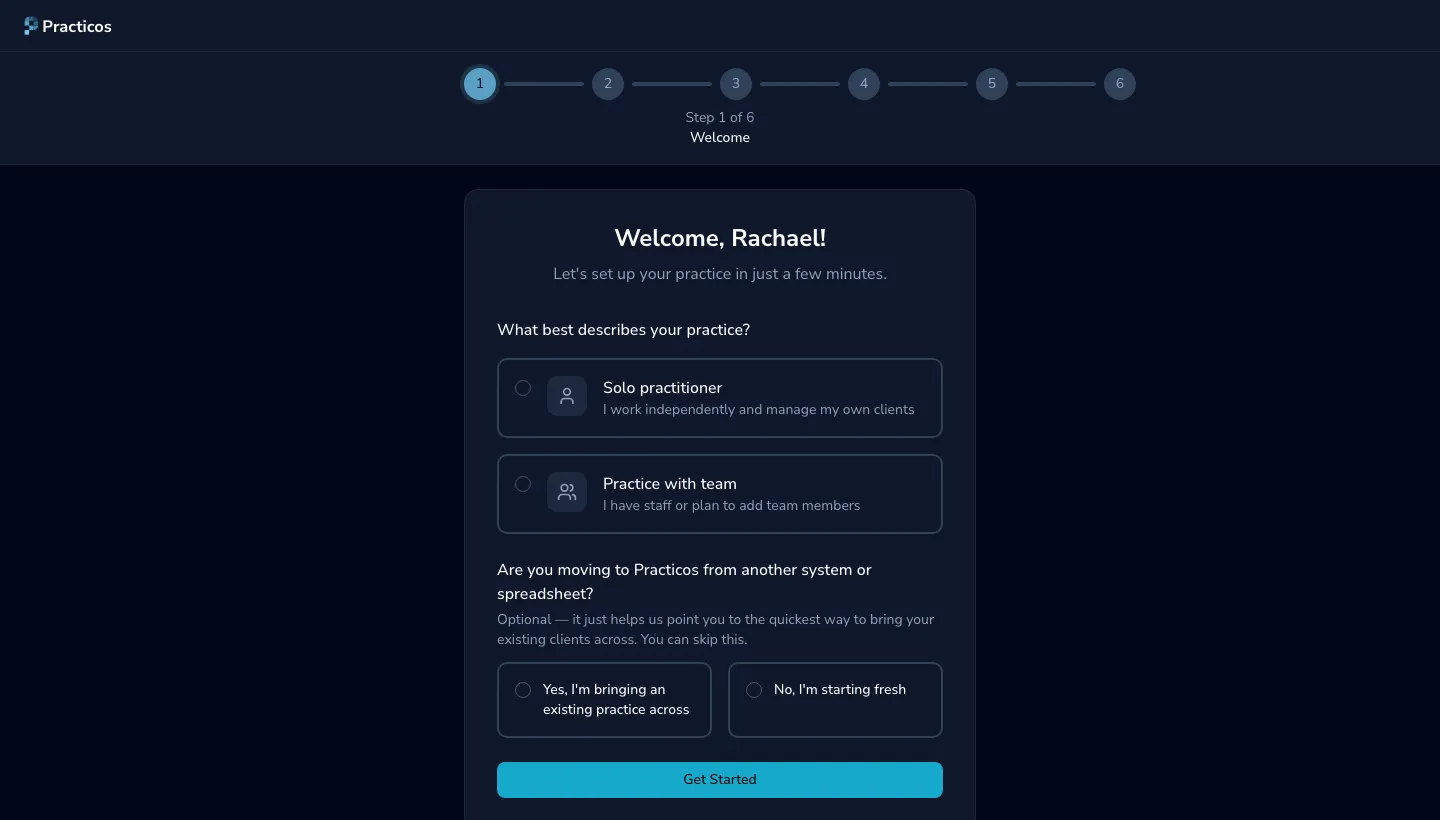
Welcome — Hannah chooses the solo option: it’s just her for now.
-
Practice details — she enters her practice name, Hannah Fletcher Speech Therapy, her contact details and her Elmsworth address. She leaves the company number blank — she’s a sole trader and can add one later if she incorporates.
-
Professional registration — she adds her HCPC number, so it’s on record and can appear on invoices. This step is optional; she could skip it and add it later in Settings → Profile.
-
Client types — Hannah works with children, so she chooses paediatric. This just sets the default for new clients; she can still add an adult later.
-
Working hours — she sets the days and times she’ll see clients. These shape her calendar and when appointments can be booked.
-
First client — Hannah has no clients yet, so she skips this step. It’s entirely optional, and she’ll add her first family the moment a referral comes in.
3. Find your feet from the Getting started page
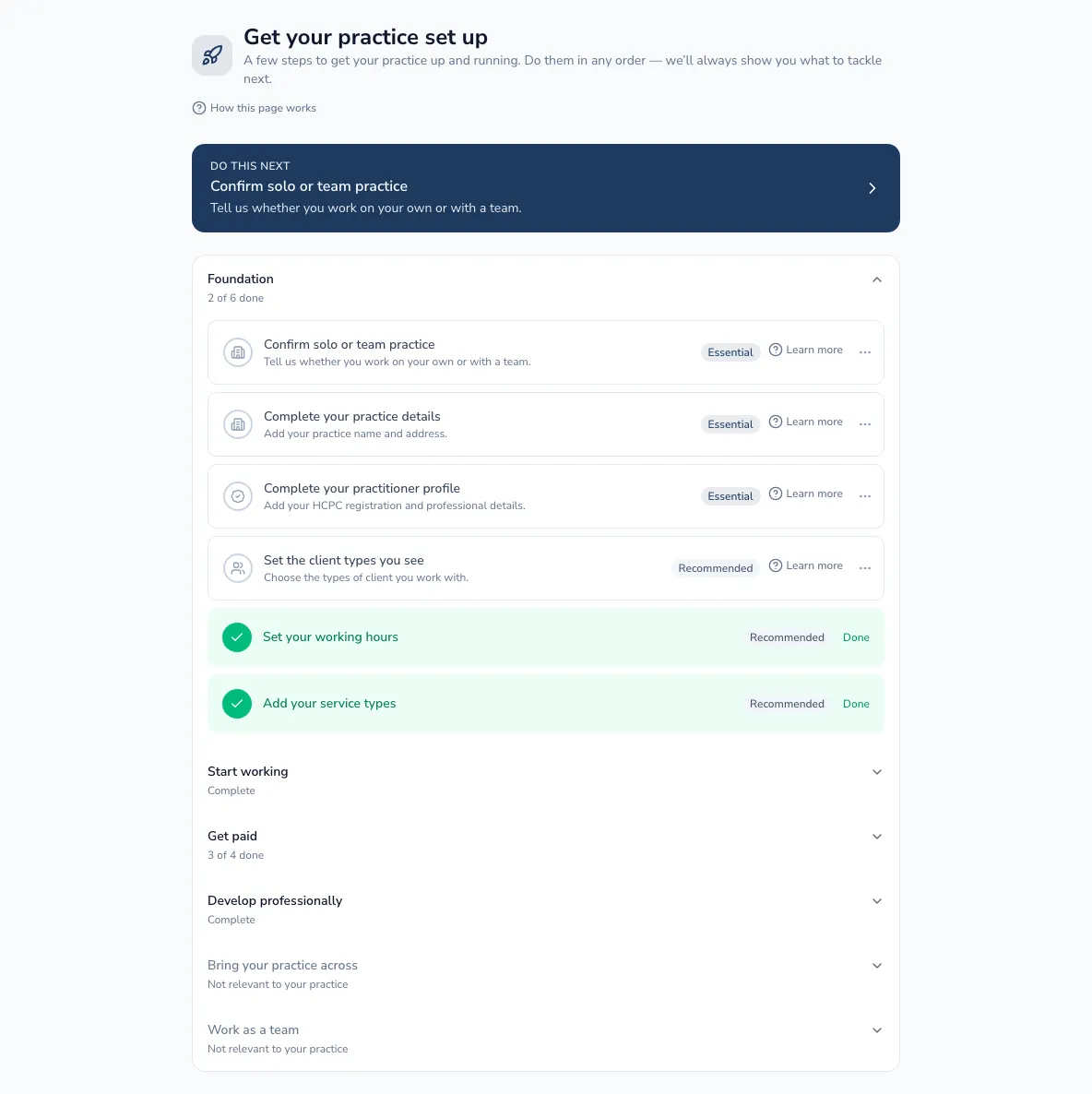
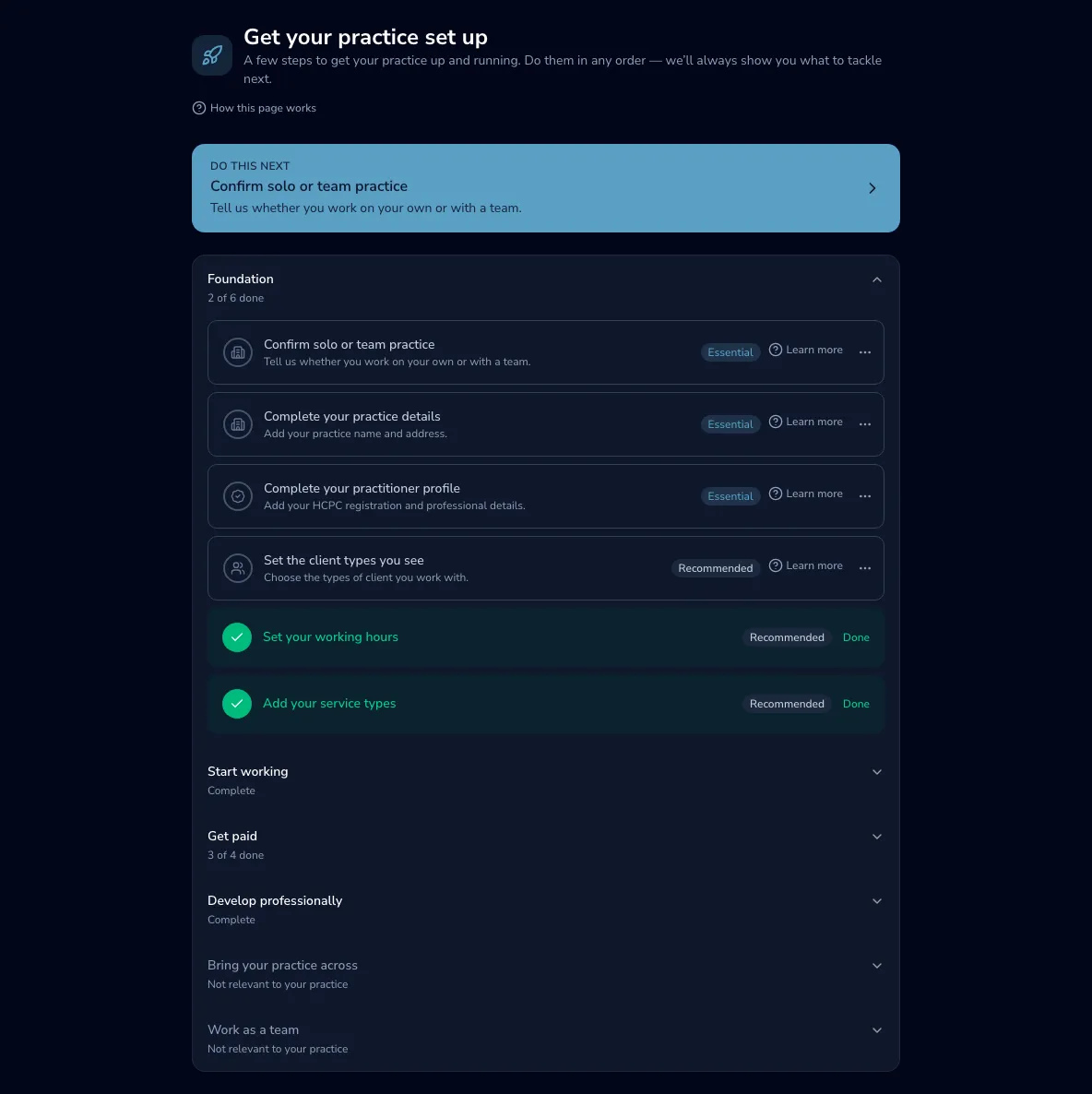
Section titled “3. Find your feet from the Getting started page”With the wizard done, Hannah’s dashboard shows a short guided tour and a Getting started page that lists her next steps — grouped by area, with a clear “do this next” prompt. Because she’s day one, it points her at the essentials first: adding her first client, and booking her first appointment.
She works down the list at her own pace, hiding any step that doesn’t apply. Once she’s up and running, the page steps aside with a quiet acknowledgement rather than nagging. (Full detail: The Getting started page.)
4. Choose the Solo plan
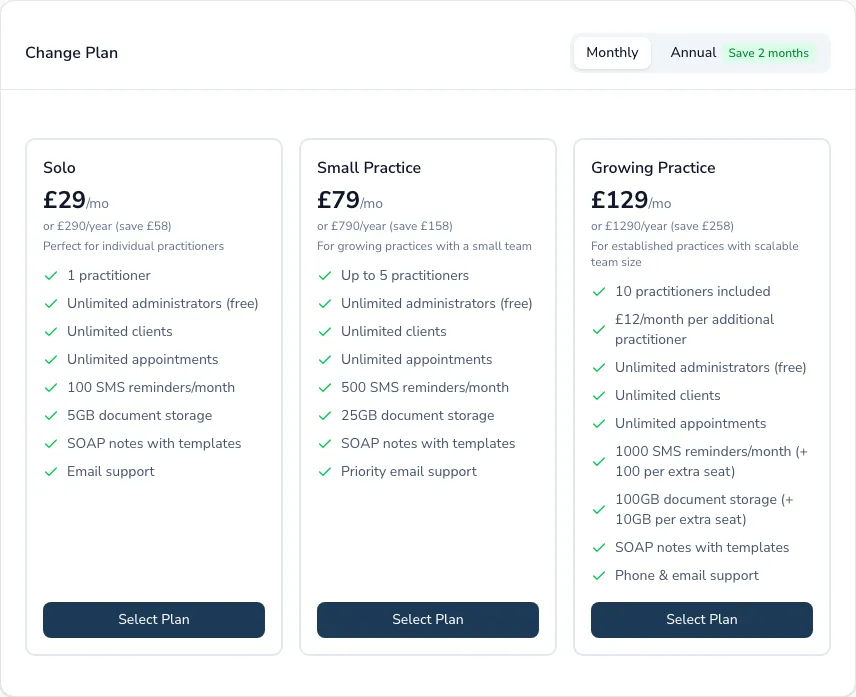
Section titled “4. Choose the Solo plan”Hannah tries Practicos through her trial and decides to continue. In Settings → Billing she chooses the Solo plan — one practitioner, which is exactly right for her — at £29 a month, or £290 a year (two months free). She’s only asked for a card at this point, when she chooses to subscribe.
That’s Hannah set up: a practice ready for its first referral, with the admin handled so she can get back to the children. When she grows into a team, moving up a plan and inviting colleagues is straightforward — see Bringing your team across.