

Clearing your outstanding notes
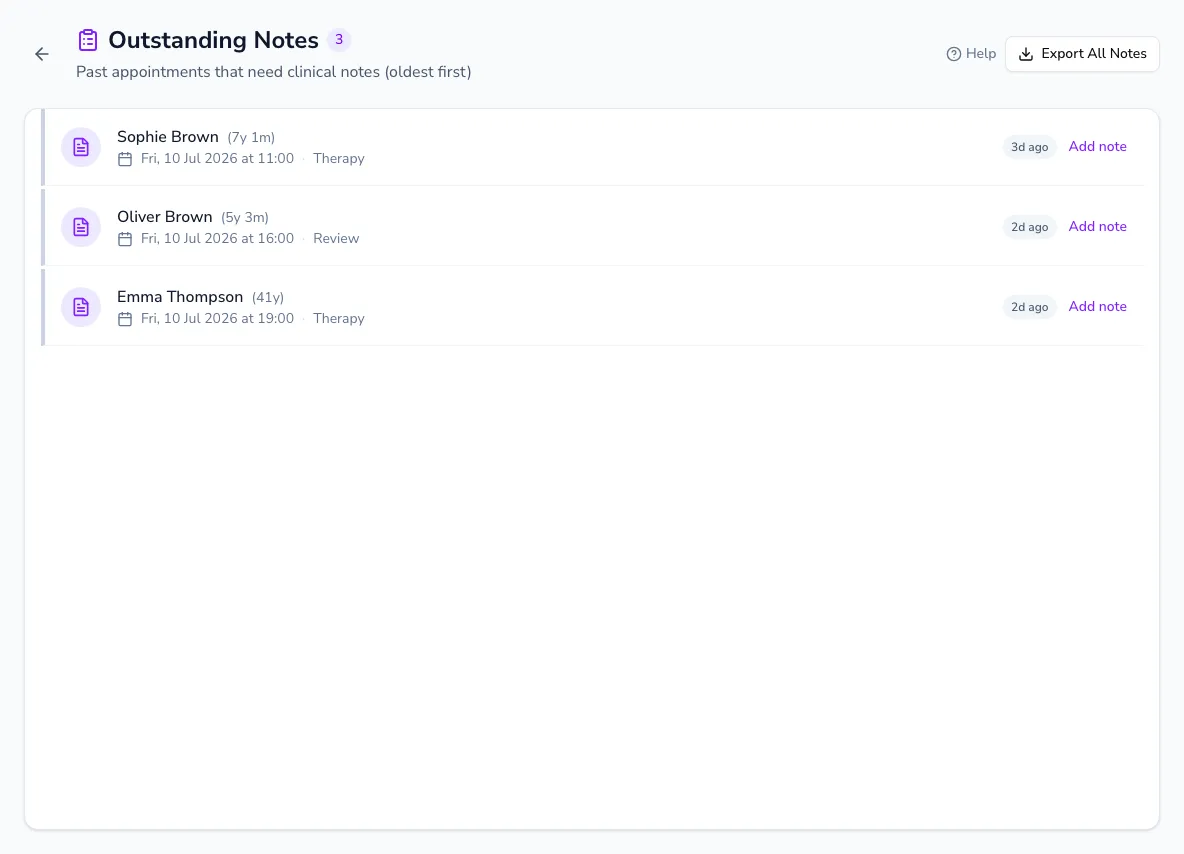
Outstanding notes is your personal worklist of past appointments that still need a clinical note — so documentation never quietly piles up.
Working through the list
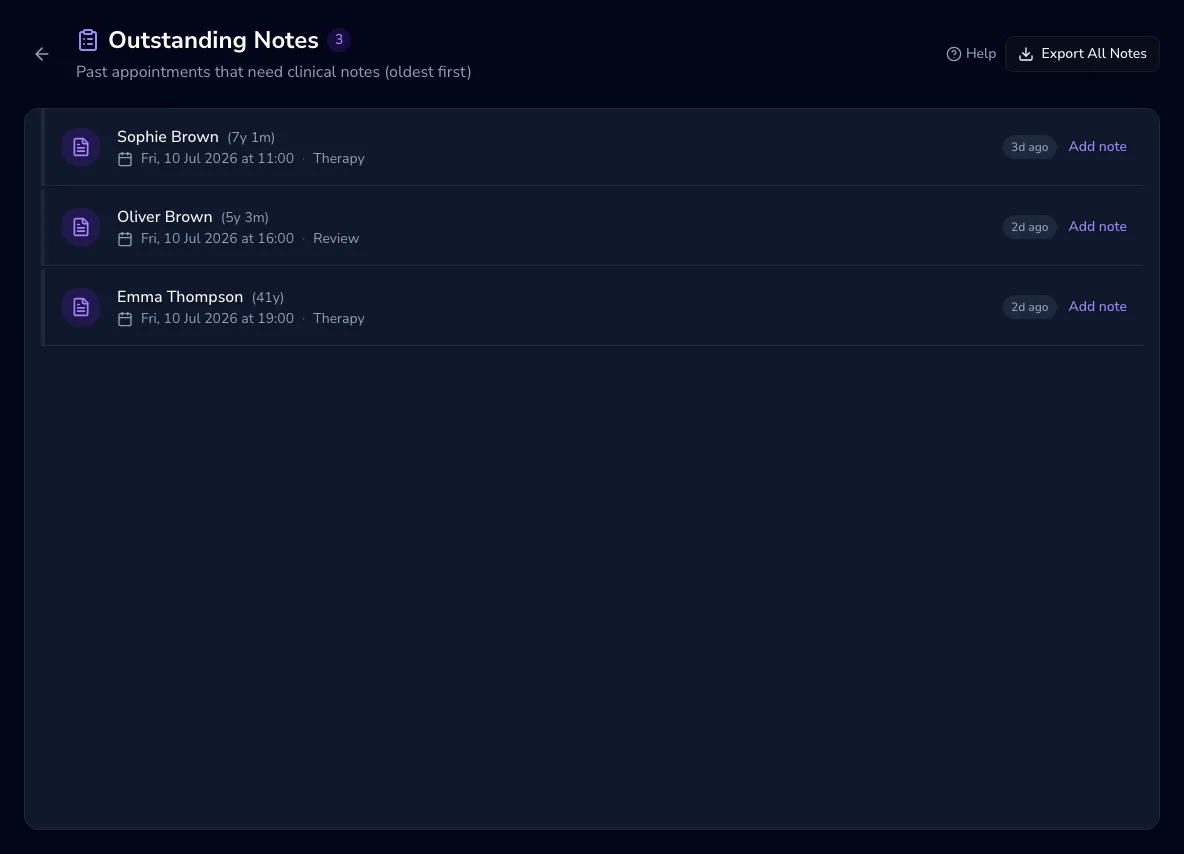
Section titled “Working through the list”Appointments are listed oldest first, each showing the client’s name and age, the date and time, the appointment type, and a days-since badge that changes colour as time passes (after 3 days, then after 7). Click any row to open the note editor and write the note; the list refreshes as you save, down to an “All caught up!” empty state.
Exporting notes
Section titled “Exporting notes”Use Export all notes to download your notes as a CSV file for your own records or a data request.