

Your resource library
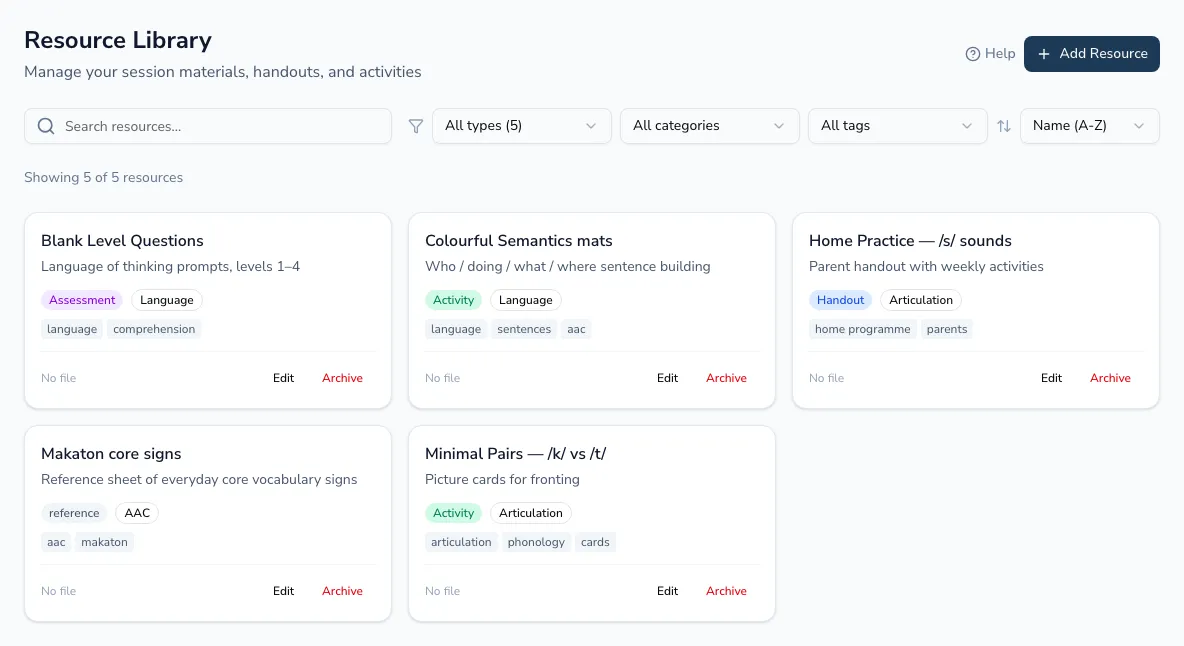
Your resource library keeps every session material in one place — handouts, activities and assessments — organised and searchable, so you can find the right one and attach it to an appointment in seconds instead of hunting through folders.
Adding and organising
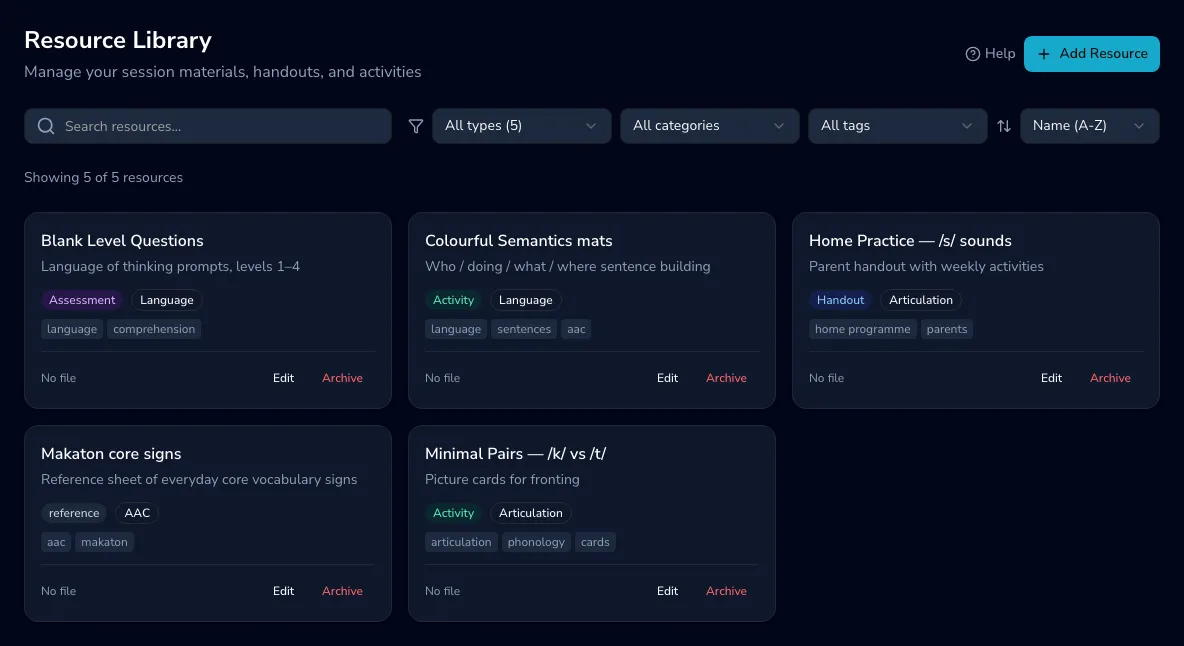
Section titled “Adding and organising”Add a resource with a name, description, type, category, tags, an optional file attachment, and notes. Search by name, description or tag, and filter by type, category or tag, then sort by name, type or date. When something is no longer needed, archive it to hide it from the library without deleting its history.
Where a resource is used
Section titled “Where a resource is used”Open a resource to see the upcoming appointments it’s linked to — handy for checking what you’ll need for the week ahead. Each links through to that day in the calendar.